PDF guides
PDF to TIFF vs. PNG vs. JPG: Which to Use
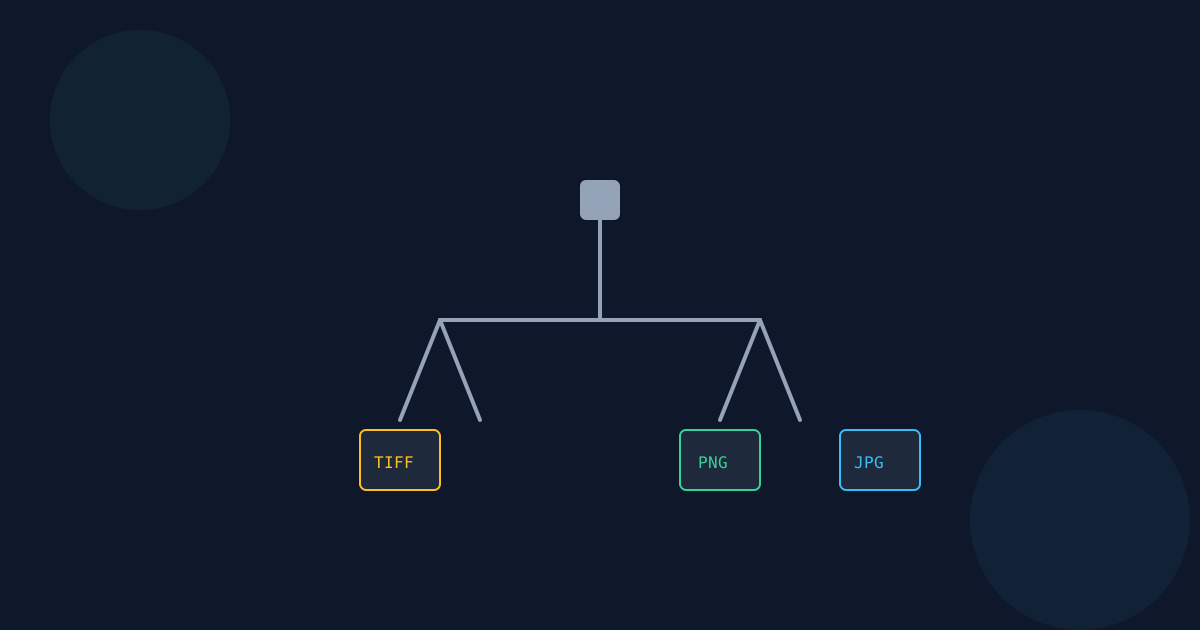
PDF to TIFF, PDF to PNG, and PDF to JPG all start from the exact same page-rendering step — the difference is entirely in how the resulting pixels are encoded, and that difference matters a lot depending on what you are actually going to do with the file. This guide is a practical comparison of when each format is the right call.
Ready to try the tool this guide describes?
When TIFF is the right choice
- A print shop, scanner, fax system, or legal/archival workflow that specifically requires or produces TIFF.
- Long-term archival storage where a widely-supported legacy lossless format matters more than file size.
- A downstream tool or pipeline that expects TIFF input specifically — check before assuming PNG will substitute.
When PNG is the better choice
- Lossless quality is needed (crisp text, line art, screenshots) but the huge file size of uncompressed TIFF is not worth it.
- The image will be used on the web or in an app, where PNG is universally supported and TIFF often is not.
- You want a smaller, still-lossless alternative — PNG applies real compression, this tool’s TIFF output does not.
When JPG is the better choice
- The page is mostly photographic content, or file size matters more than pixel-perfect fidelity.
- You need the smallest reasonable file size for sharing, email attachments, or quick previews.
- Some quality loss is acceptable — JPG is lossy, unlike both TIFF and PNG.
The multi-page difference to plan around
PDF to JPG and PDF to PNG on this site also produce one image per page (plus an optional ZIP), so in that specific respect all three tools behave the same. Where it matters most is expectations from other software: some legacy or professional TIFF-consuming tools expect a single multi-page TIFF container, and this tool does not produce one — it always produces one TIFF file per page. If your downstream workflow specifically needs a true multi-page TIFF, verify that requirement before relying on this tool for that step.
PDF to TIFF vs PNG vs JPG FAQ
- Which format should I pick for everyday sharing?
- JPG or PNG — TIFF exists for a narrower set of archival, print-shop, and scanner-software use cases.
- Is TIFF higher quality than PNG?
- Not really — this tool’s PNG output is also lossless. TIFF here is simply uncompressed, which makes it larger without being meaningfully higher fidelity than PNG.
- Does PDF to TIFF produce a true multi-page TIFF file?
- No. It always produces one TIFF file per page, bundled into a ZIP for multi-page PDFs — not a single multi-page TIFF container.
- Why would I ever choose TIFF over the smaller PNG?
- Only when a specific downstream system (print shop, scanner software, legal/archival pipeline) requires TIFF input specifically.
- Is JPG a good choice for a page full of text?
- Generally no — JPG’s lossy compression can blur fine text edges. PNG or TIFF (both lossless here) preserve text more cleanly.
- Do all three tools use the same page-rendering step?
- Yes — TIFF, PNG, and JPG conversion all start from the identical PDF-page-to-canvas rendering pipeline; only the final encoding step differs.
Related guides
- How to Convert PDF to TIFFRender PDF pages as TIFF images in your browser for archival, print-shop, or scanner-software workflows, and see why everyday sharing usually calls for JPG or PNG instead.
- PDF to TIFF Resolution & QualityWhat the 1×, 1.5×, and 2× resolution options actually mean in output pixels, why rendering is capped at 4096 pixels per edge, and why this uncompressed TIFF output is larger than the equivalent JPG or PNG.
- PDF to PNG vs JPGCompare PNG and JPG when converting PDF pages to images. Learn how file size, image quality, text clarity, white backgrounds, and JPG quality settings affect the output.


