PDF guides
PDF to TIFF: Resolution and Output Quality
PDF to TIFF offers a choice of 1×, 1.5×, or 2× resolution, and produces output that is genuinely larger than the equivalent JPG or PNG. Neither of those facts is arbitrary — this guide explains exactly what the resolution options mean in output pixels, why there is a hard cap on how large a rendered page can get, and verifies the file-size claim against the actual encoder used.
Ready to try the tool this guide describes?
What 1×, 1.5×, and 2× mean in output pixels
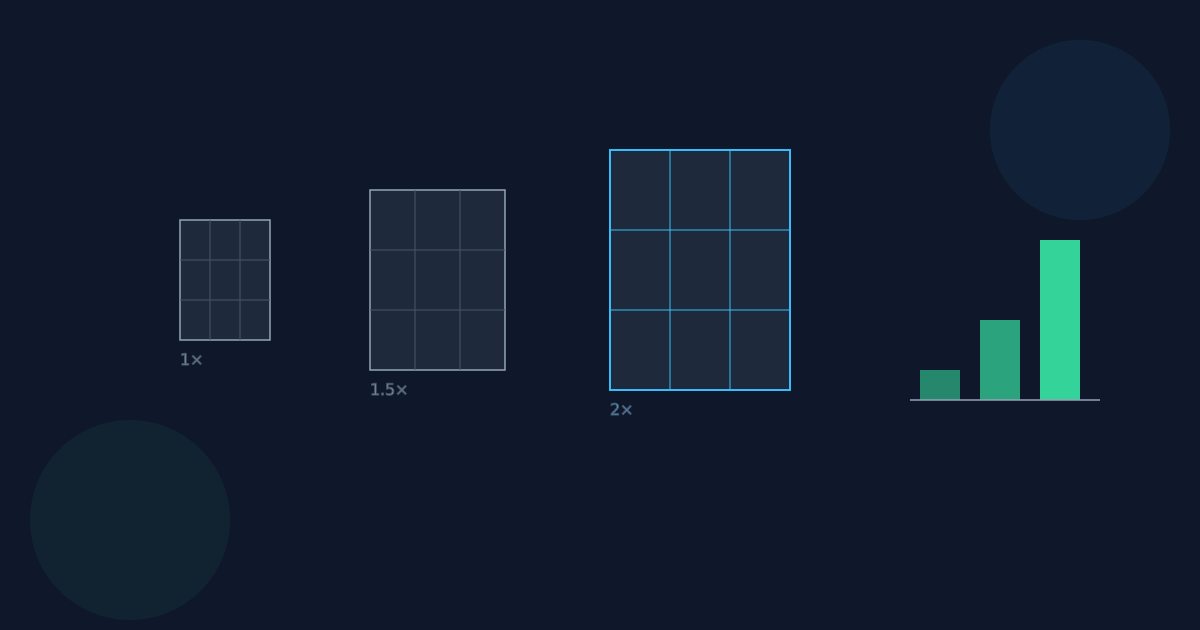
A PDF page has a native size measured in points (72 points per inch), independent of any pixel resolution. Converting a page to an image means choosing a scale factor to turn those points into pixels: at 1×, each PDF point becomes one pixel; at 1.5× and 2×, each point becomes 1.5 or 2 pixels respectively. A US Letter page (612 × 792 points) therefore renders at roughly 612 × 792 pixels at 1×, about 918 × 1188 pixels at 1.5×, and 1224 × 1584 pixels at 2× — before any cap is applied.
Why rendering is capped at 4096 pixels per edge
Rendering a PDF page happens on an in-memory browser canvas, and very large canvases consume a lot of memory — a sufficiently large or oddly-sized PDF page at 2× could otherwise produce a canvas large enough to slow down or crash a browser tab. To prevent that, the longest edge of the rendered image is capped at 4096 pixels; if a requested scale would exceed that, the effective scale is reduced just enough to fit, while the width-to-height aspect ratio is always preserved exactly. In practice, this cap only engages for unusually large page sizes at higher scales — most standard page sizes at 1×, 1.5×, or 2× render well under the limit.
Why the output is uncompressed 8-bit RGBA
PDF to TIFF encodes each rendered page using the same TIFF encoder already used elsewhere on Looty Tools for image-format conversion, which writes uncompressed 8-bit-per-channel RGBA data — no lossy or lossless compression is applied inside the TIFF file itself. This is a genuine tradeoff, not an oversight: it keeps the encoder simple, pure-JavaScript, and free of native dependencies, at the cost of a larger file than a compressed format would produce.
A concrete size comparison
As a rough illustration: a single US Letter page rendered at 2× (roughly 1224 × 1584 pixels) has about 1.9 million pixels, each stored as 4 uncompressed bytes (red, green, blue, alpha) — well over 7 MB of raw pixel data before any container overhead. The same page saved as a JPG at typical web quality, or as a compressed PNG, would usually be a fraction of that size, because both formats apply real compression that TIFF here does not. This is the direct, verified reason TIFF output from this tool is noticeably larger than JPG or PNG at the same resolution.
PDF to TIFF Resolution & Quality FAQ
- What does the 1× / 1.5× / 2× resolution setting actually control?
- It is a scale factor applied to the PDF page’s native point size — at 1× one PDF point becomes one pixel, at 2× it becomes two pixels, and so on.
- Why is there a 4096-pixel cap on the rendered image?
- To keep the in-memory browser canvas from getting large enough to slow down or crash the tab. The aspect ratio is always preserved when the cap engages.
- Is the TIFF output compressed at all?
- No. It is uncompressed 8-bit RGBA — verified against the actual encoder used, which applies no lossy or lossless compression.
- Why is the TIFF file so much bigger than a JPG of the same page?
- Because JPG (and PNG) apply real compression and TIFF here does not — a single high-resolution page can be several megabytes of raw, uncompressed pixel data.
- Will the cap ever change my requested resolution?
- Only for unusually large page sizes at higher scales that would otherwise exceed 4096 pixels on the longest edge — most standard pages render at the full requested scale.
- Which resolution should I pick?
- 1× for smaller files and everyday viewing, 2× when a downstream print or archival workflow specifically needs higher pixel density — see pdf-to-tiff-vs-png-vs-jpg for broader format guidance.
Related guides
- How to Convert PDF to TIFFRender PDF pages as TIFF images in your browser for archival, print-shop, or scanner-software workflows, and see why everyday sharing usually calls for JPG or PNG instead.
- PDF to TIFF vs PNG vs JPGA practical comparison of when TIFF is genuinely the right output for a PDF page versus when PNG or JPG serves better, plus the one-TIFF-per-page-and-ZIP behavior to expect for multi-page PDFs.
- PDF to JPG Resolution and LimitsUnderstand PDF to JPG scale, quality, pixel dimensions, the 4096-pixel canvas limit, and the 25 MB and 50-page limits before converting PDF pages.


