PDF guides
PDF to PNG vs JPG: Which Image Format Should You Choose?
PDF to JPG offers two raster outputs—JPG and PNG—and the wrong pick usually shows up later as a bloated ZIP or soft text. This guide is a format decision sheet: when JPG’s quality slider helps, when PNG’s lossless encoding after render is worth the size, and what neither format can do in this browser tool.
Ready to try the tool this guide describes?
What both formats share
The tool converts every page in the PDF—there is no page picker. You download pages individually or as a ZIP named like your-file-images.zip, with per-page names such as your-file-page-001.jpg. Processing runs in the browser; PDF contents are not uploaded to Looty Tools for this workflow. Password-protected PDFs are unsupported, and the images are not OCR’d into searchable text.
Both formats render onto an opaque white canvas. PNG from this tool does not preserve or create transparency.
JPG versus PNG
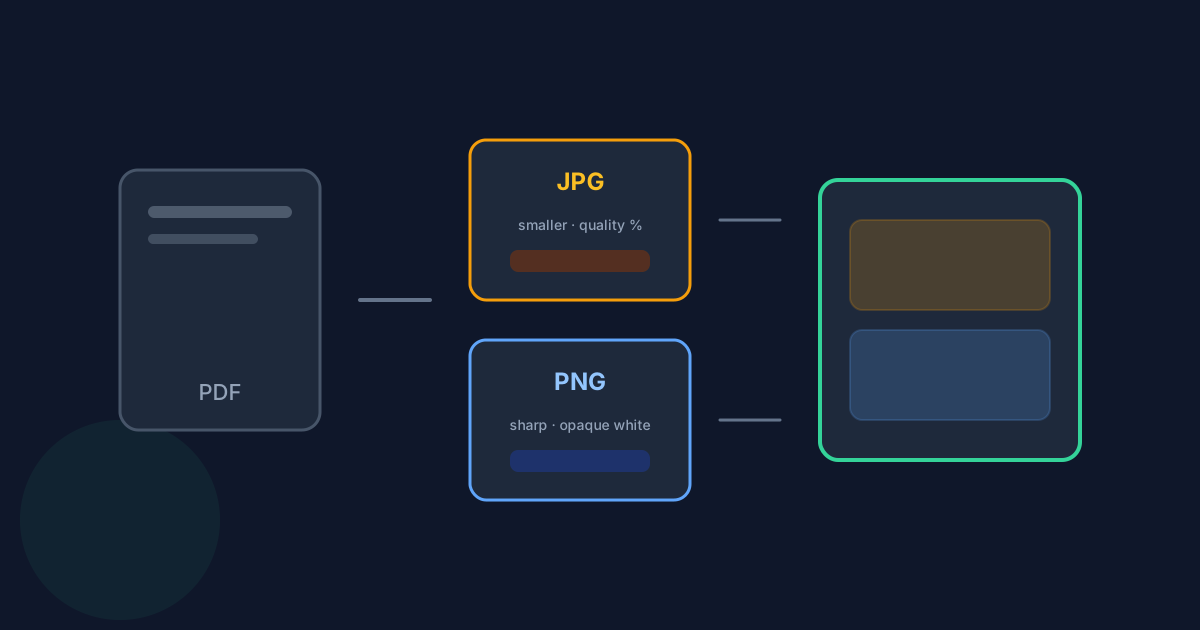
JPG usually produces smaller files and exposes a quality slider from 50% to 100% in 5% steps (default 90%). It fits photographs and visually complex pages where mild compression is acceptable. PNG uses lossless encoding after the page is rendered, which often keeps sharp text, diagrams, screenshots, and flat graphics cleaner—at the cost of larger files. PNG ignores the JPG quality slider.
| Factor | JPG | PNG |
|---|---|---|
| Typical file size | Usually smaller | Usually larger |
| Quality control | 50–100% slider (default 90%, 5% steps) | No quality slider (lossless after render) |
| Best for | Photos and complex visual pages | Sharp text, diagrams, UI screenshots |
| Transparency | Opaque (white background) | Opaque (white background)—not transparent |
| Text / edges | Can show compression artifacts at low quality | Usually cleaner after render |
Limits and non-goals
Input is one PDF up to 25 MB and 50 pages. Scale and dimension details live in the companion resolution guide. Do not expect editable text, OCR, recovery of original PDF vectors, page selection, or custom DPI from this conversion.
PDF to PNG vs JPG FAQ
- Does PNG from PDF to JPG support transparency?
- No. Pages render on an opaque white canvas. PNG output is not transparent.
- What is the default JPG quality?
- 90%, adjustable from 50% to 100% in 5% steps.
- Can I convert only some pages?
- Not in this tool. Every page is converted. Split or extract first if you need a subset.
- Do I get a ZIP or individual files?
- Both. Download pages one at a time, or use Download all as ZIP.
- Is there OCR?
- No. Output images are pixels, not searchable text.
- Where are scale and page limits explained?
- See /guides/pdf-to-jpg-resolution-and-limits. The overview is /guides/how-to-convert-pdf-to-jpg.
Related guides
- How to Convert PDF to JPGRasterize PDF pages to JPG or PNG with quality and resolution controls, ZIP downloads, and the current page and size limits.
- PDF to JPG Resolution and LimitsUnderstand PDF to JPG scale, quality, pixel dimensions, the 4096-pixel canvas limit, and the 25 MB and 50-page limits before converting PDF pages.
- How to Convert Images to PDFCombine JPG, PNG, WebP, and HEIC/HEIF images into one PDF with page settings, exact file limits, and accurate HEIC browser decoding notes.


