PDF guides
How to Convert PDF to TIFF Online
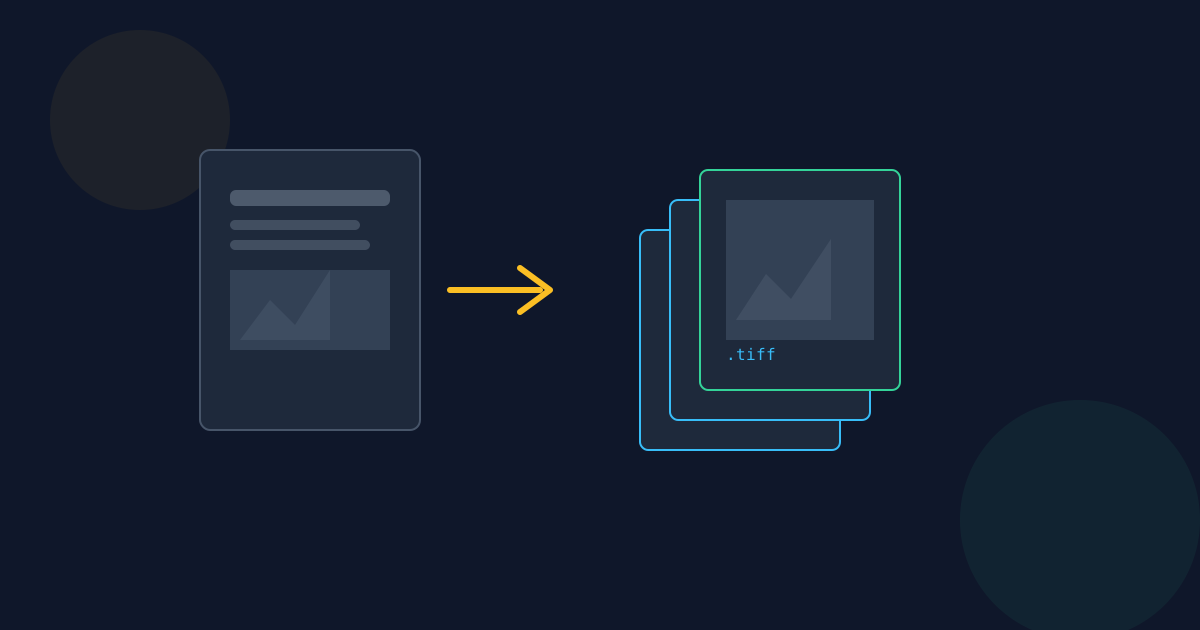
TIFF is not an everyday image format for most people — it exists for a specific niche of archival, print-shop, and scanner-software workflows that still expect it. The Looty Tools PDF to TIFF converter renders each page of a PDF into a TIFF image entirely in your browser. This guide covers the steps and when TIFF is genuinely the format you need, rather than the more familiar JPG or PNG.
Ready to try the tool this guide describes?
How to convert PDF to TIFF on Looty Tools
- Open the PDF to TIFF tool at /tools/pdf-to-tiff.
- Choose or drop a PDF file.
- Pick a resolution: 1×, 1.5×, or 2×.
- Convert all pages.
- Download each page as its own TIFF, or download every page at once as a ZIP.
When TIFF is actually the right call
- A print shop, scanner, fax, or legal/archival system that specifically requires or produces TIFF input.
- Long-term archival storage where a lossless, widely-supported legacy format matters more than file size.
- A downstream tool or pipeline (e.g. an older document-management system) that expects TIFF specifically, not PNG or JPG.
One TIFF per page, not one multi-page file
- Each PDF page becomes its own TIFF file.
- For a multi-page PDF, all of the page TIFFs are bundled into a single ZIP download — this is not a single multi-page TIFF container.
- See pdf-to-tiff-vs-png-vs-jpg for when that distinction actually matters for your workflow.
Limits
- Maximum file size: 25 MB, up to 50 pages.
- Rendered page dimensions are capped at 4096 pixels on the longest edge.
- Output is uncompressed 8-bit RGBA — see pdf-to-tiff-resolution-and-quality for what that means for file size.
How to Convert PDF to TIFF FAQ
- Is my PDF uploaded anywhere?
- No. Conversion runs locally in the browser. Your PDF is not uploaded to Looty Tools.
- Does this produce a single multi-page TIFF file?
- No. Each page becomes its own TIFF file, bundled into one ZIP when there is more than one page.
- Why would I use TIFF instead of JPG or PNG?
- Mainly for archival, print-shop, or scanner-software workflows that specifically expect TIFF. See pdf-to-tiff-vs-png-vs-jpg for the full comparison.
- What resolution options are available?
- 1×, 1.5×, or 2× the PDF page size, capped at 4096 pixels on the longest edge to avoid running out of browser memory.
- Why are the TIFF files so much larger than the source PDF?
- TIFF output here is uncompressed 8-bit RGBA, so files are typically much larger than a JPG or PNG at the same resolution. See pdf-to-tiff-resolution-and-quality.
- What is the maximum PDF size?
- The maximum file size is 25 MB, with up to 50 pages.
Related guides
- PDF to TIFF Resolution & QualityWhat the 1×, 1.5×, and 2× resolution options actually mean in output pixels, why rendering is capped at 4096 pixels per edge, and why this uncompressed TIFF output is larger than the equivalent JPG or PNG.
- PDF to TIFF vs PNG vs JPGA practical comparison of when TIFF is genuinely the right output for a PDF page versus when PNG or JPG serves better, plus the one-TIFF-per-page-and-ZIP behavior to expect for multi-page PDFs.
- How to Convert PDF to HTMLTurn a text-based PDF into a standalone HTML page in your browser, and see when publishing it as real markup — not an embedded PDF viewer — is the right call.


