PDF guides
PDF CropBox vs Page Size Explained
A PDF page has more than one "size" recorded in the file. This guide explains the difference between a page's MediaBox and its CropBox, and what that means when you crop a PDF.
Ready to try the tool this guide describes?
MediaBox: the full page canvas
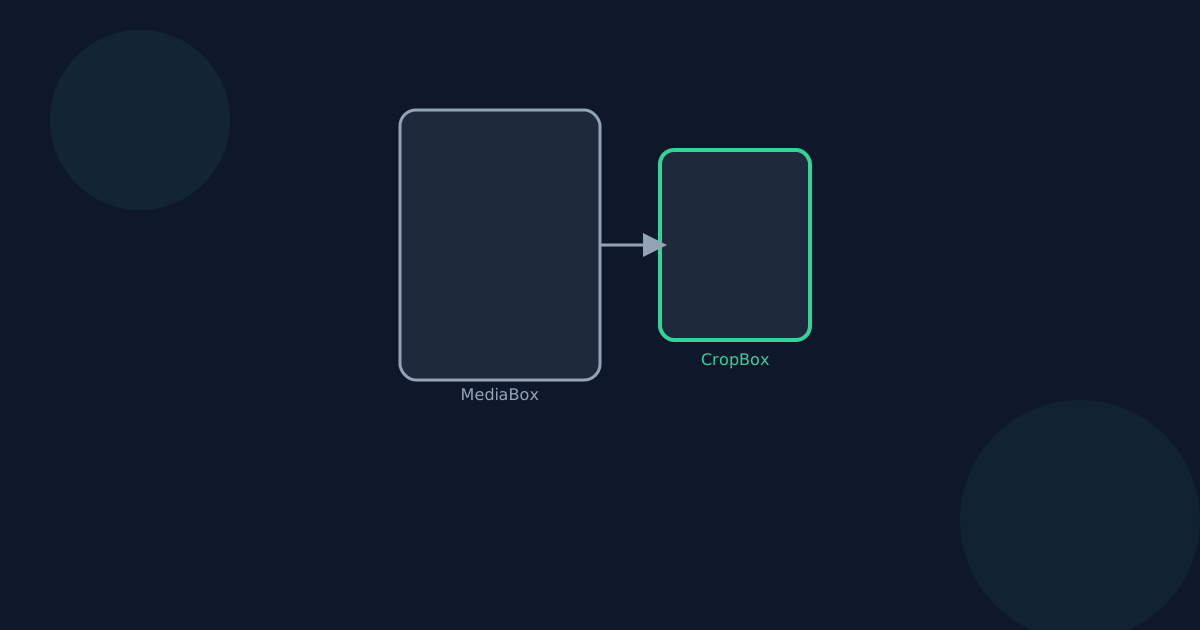
The MediaBox defines the full physical page — the entire canvas the page was originally created at. It rarely changes once a PDF is generated.
CropBox: the visible area
The CropBox defines the area that viewers and printers actually display, and it defaults to the same size as the MediaBox until something changes it. Crop PDF works by setting a new CropBox for each page you crop.
Setting a smaller CropBox does not delete content outside it from the page's underlying data — it only changes what is shown.
Why this matters for cropping
Because cropping adjusts the CropBox rather than rewriting page content, it is fast, fully reversible by re-cropping to a larger area, and safe to apply to every page in a document without re-rendering it. It also means Crop PDF is not the right tool if your goal is to permanently delete something sensitive — that requires Redact PDF instead.
CropBox vs Page Size FAQ
- Does cropping a PDF reduce its file size?
- Usually only slightly. The CropBox is a small piece of page metadata — the underlying content is unchanged in size.
- Can I restore a PDF after cropping it?
- Yes, by cropping again with a larger selection — the original content is still present until the file is rebuilt by another tool that discards it.
- Is the CropBox the same as a "trim" or "bleed" box used in printing?
- No, those are separate, less commonly used boxes for professional print production. Crop PDF only sets the CropBox, which is what everyday viewers and printers respect.
- Why doesn't cropping remove hidden or out-of-view content?
- The CropBox only controls the visible area. If you need sensitive content permanently gone, use Redact PDF, which rebuilds the page instead of just changing its visible bounds.
- Does every PDF viewer respect the CropBox?
- Modern, standards-compliant PDF viewers and printers do. It is the standard mechanism PDF readers use to decide what to display.
Related guides
- How to Crop a PDFTrim a PDF to a specific area in your browser: drag a selection over the page, choose a page or apply it to the whole document, then download the cropped file.
- How to Remove PDF MarginsTrim the blank margins around a scanned or printed PDF using a percentage-based crop that works consistently across every page, even mixed page sizes.
- How to Rotate a PDF PageRotate one page or an entire PDF in your browser: select pages, rotate 90° or 180°, and reset before exporting a corrected copy.


