PDF guides
Converting a PDF into EPUB: Realistic Expectations
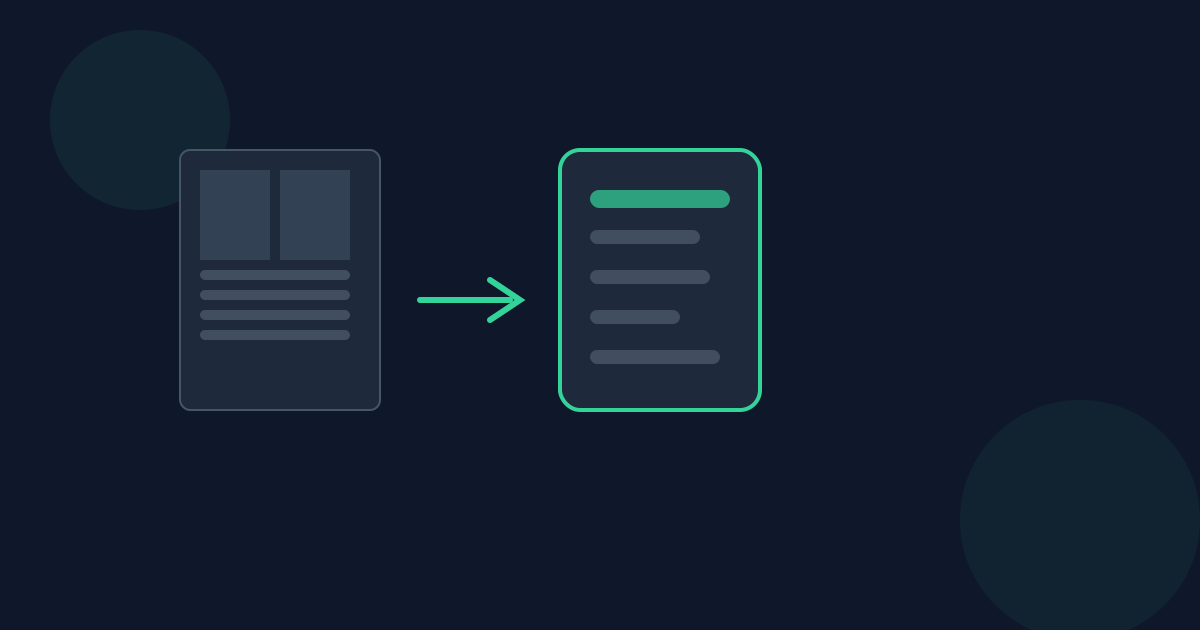
PDF is fixed-layout — an exact position for every element on every page. EPUB is reflowable — it adapts to screen size and font preference. This tool converts one into the other in your browser, and that conversion is inherently lossy in specific, documented ways, not a pixel-perfect copy.
Ready to try the tool this guide describes?
What carries over
Page order (as one EPUB chapter per PDF page), detected headings and paragraphs (via font-size and spacing heuristics), Unicode text, simple regularly-gridded tables on a best-effort basis, and ordinary embedded raster images — photos, scanned figures, and logos placed as their own image object.
What doesn’t carry over
Multi-column layouts, exact element positions and overlaps, and complex page graphics. Two specific image constructions are also not extracted — 1-bit stencil image masks and tiled/repeated image patterns — both are flagged in the output with a note rather than silently dropped.
How to convert
- Open the PDF to EPUB tool at /tools/pdf-to-epub.
- Choose or drop a PDF file.
- The tool checks the PDF has real, extractable text.
- Convert to EPUB.
- Download the resulting .epub file.
Output validity
Every generated file is a real EPUB 3 package — mimetype, container.xml, OPF package document, navigation document, and EPUB2 NCX for older-reader compatibility — independently structurally validated before it’s offered for download.
PDF to EPUB: Realistic Expectations FAQ
- Is my PDF uploaded anywhere?
- No. Conversion runs locally in the browser; the file is never uploaded.
- What is the maximum file size and page count?
- The maximum file size is 25 MB, up to 50 pages.
- Are all embedded images preserved?
- Ordinary embedded raster images are extracted. Two specific constructions — 1-bit stencil image masks and tiled/repeated image patterns — are not; a note is left in their place and the tool tells you afterward.
- Will tables come through correctly?
- Simple, regularly-gridded tables convert as real EPUB tables on a best-effort basis; irregular or merged-cell tables may come through as plain text instead.
- Is the resulting file a valid EPUB?
- Yes — every generated file is independently checked for structural correctness (mimetype, container, package document, navigation) before download.
Related guides
- Scanned PDFs and EPUB ConversionWhy scanned/image-only PDFs are rejected outright, why heavily fixed-layout PDFs reflow poorly into EPUB, and how to tell which situation you’re in.
- EPUB Compatibility Across E-ReadersHow the EPUB 3 package this tool generates is actually read by Kindle, Apple Books, and Kobo, and what to expect from its table of contents and chapter structure on each.
- EPUB to PDF: Fixed vs ReflowableWhy converting a reflowable EPUB into a fixed-layout PDF is inherently lossy, what this converter actually preserves, and when it is (and isn’t) the right tool.


