PDF guides
Converting EPUB to PDF: Fixed Layout vs Reflowable Text
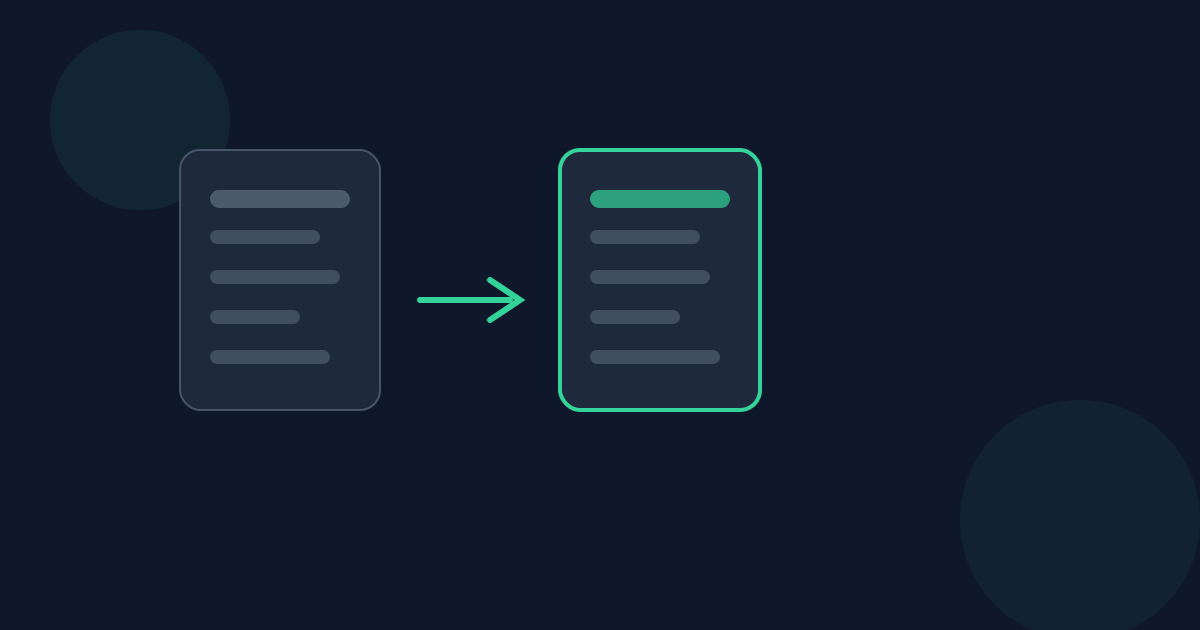
EPUB is a reflowable format — chapters are XHTML and CSS that a reading app re-flows to fit any screen. PDF is fixed-layout — a page size and pagination baked in permanently. Converting EPUB to PDF means committing that reflowable content to one fixed layout, once, in your browser.
Ready to try the tool this guide describes?
Why EPUB and PDF handle layout differently
An EPUB reading app decides line breaks, page breaks, and text size at read time, based on the device and the reader’s own font-size preference. A PDF has none of that — every line and page break is fixed the moment the file is created.
What this tool actually does
Each chapter’s XHTML is parsed into headings, paragraphs, lists, images, and a safe subset of its CSS — font size, text alignment, left margins, bold/italic/underline, text and background color, and explicit page breaks — then laid out at a fixed Letter or A4 page size.
Fixed-layout and heavily-illustrated EPUBs
Comics and fixed-layout children’s books that rely on CSS absolute positioning, flexbox, or grid are out of scope — that positioning is not reproduced. Only the extractable text and images are laid out, in document order.
When this converter is the right tool
It’s well suited to reflowable, text-centric EPUBs — novels, articles, guides. For visually fixed-layout books, expect the content to come through without its original visual layout.
EPUB to PDF: Fixed vs Reflowable FAQ
- Will the PDF look exactly like the EPUB did in my reading app?
- No — reflowable EPUB has no fixed page geometry. The PDF commits to a Letter or A4 page with fixed margins, so line and page breaks will differ from any given reading app.
- Does this handle comics or fixed-layout children’s books well?
- No — those rely on CSS positioning this tool doesn’t apply. It’s built for reflowable, text-centric EPUBs.
- Is the output real text or a scanned image?
- Real, selectable, searchable text — not a rasterized image.
- Is my EPUB uploaded anywhere?
- No. Conversion runs locally in the browser; the file is never uploaded.
- Does it handle EPUB CSS styling, or just plain text?
- It applies a safe subset of the EPUB’s own CSS — font size, alignment, margins, bold/italic/underline, colors, and page breaks — not just plain text extraction.
Related guides
- EPUB to PDF: Fonts and Page SizeWhat page size, margins, and font actually render an EPUB’s text once it’s converted to PDF, and how the source EPUB’s own CSS styling maps onto them.
- EPUB Chapter StructureHow an EPUB’s manifest and spine define chapter order, and exactly how that structure determines the page breaks and page order in the converted PDF.
- PDF to EPUB: Realistic ExpectationsWhat actually carries over when a fixed-layout PDF converts to reflowable EPUB — text, detected headings, images — and what doesn’t, verified against this converter’s real behavior.


