PDF guides
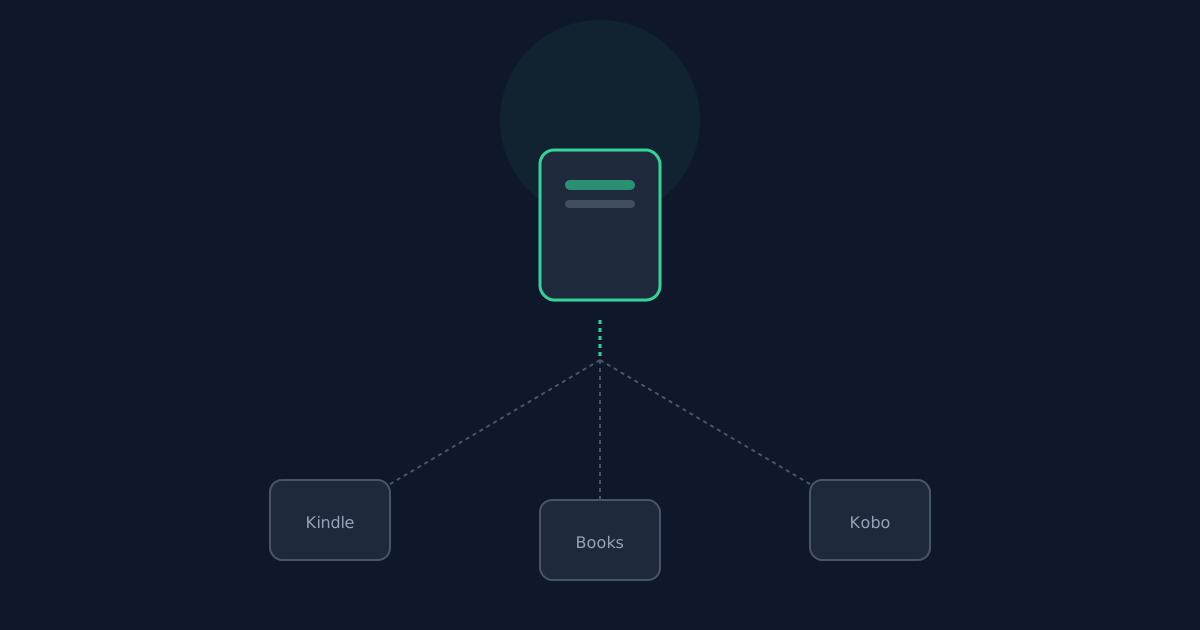
How Kindle, Apple Books, and Kobo Read Converted EPUBs
This tool outputs a standards-compliant EPUB 3 package with an EPUB2 NCX included for older-reader compatibility. How well that file opens depends on which e-reader app or device you use.
Ready to try the tool this guide describes?
Apple Books and Kobo
Both accept standard EPUB files directly — transferring or opening the generated .epub file works without any extra conversion step.
Kindle
Kindle devices and apps have historically favored Amazon’s own AZW/KFX formats. Direct EPUB support varies by device and app version — some newer Kindle apps accept EPUB directly, while others require Amazon’s "Send to Kindle" conversion step. Check your specific device or app before relying on a direct transfer.
What to expect from the table of contents
Because this tool creates one chapter per original PDF page, the table of contents in your reading app will have one entry per page from the source PDF, not per topic or section.
Why the conversion looks the way it does
See /guides/converting-pdf-to-epub-realistic-expectations for the underlying reasons a fixed-layout PDF becomes a page-per-chapter EPUB rather than a topically-chaptered ebook.
EPUB Compatibility Across E-Readers FAQ
- Will the EPUB open directly in Apple Books?
- Yes — Apple Books accepts standard EPUB files directly.
- Will the EPUB open directly on my Kindle?
- It depends on your specific device or app — some accept EPUB directly, others require Amazon’s "Send to Kindle" conversion first. Check your device before relying on a direct transfer.
- Why does the table of contents have so many entries?
- Because the tool creates one chapter per original PDF page, so the table of contents reflects pages, not topics.
- Does Kobo support the EPUB2 NCX this tool includes?
- Yes — Kobo supports both EPUB3 navigation and the EPUB2 NCX included for broader compatibility.
- Is the generated file a valid EPUB package any reader should accept?
- Yes — it is independently checked for structural correctness (mimetype, container, package document, navigation) before download.
Related guides
- PDF to EPUB: Realistic ExpectationsWhat actually carries over when a fixed-layout PDF converts to reflowable EPUB — text, detected headings, images — and what doesn’t, verified against this converter’s real behavior.
- Scanned PDFs and EPUB ConversionWhy scanned/image-only PDFs are rejected outright, why heavily fixed-layout PDFs reflow poorly into EPUB, and how to tell which situation you’re in.


