Text & writing
How to Pull Numbers Out of Messy Text
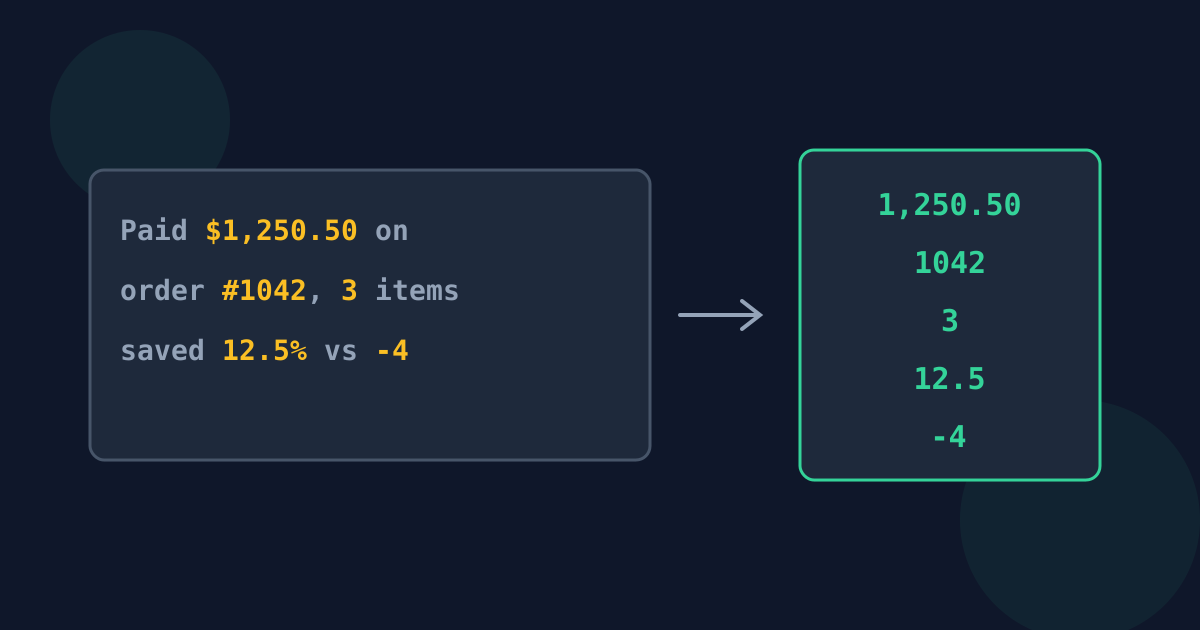
Numbers you need often arrive buried in sentences: totals in an email thread, readings in a report, scores in a chat, amounts in a pasted web page. Retyping them is slow and invites mistakes. This guide covers practical ways to get the numbers out cleanly, and what to check before you trust the list.
Ready to try the tool this guide describes?
Where numbers hide
- Order and invoice emails, where prices sit between product names and addresses.
- Reports and meeting notes, with figures written inside sentences.
- Chat exports and logs, where every line mixes a timestamp, a name, and a value.
- Web pages and PDFs copied as text, which bring along headings, footnote markers, and page numbers.
Three ways to extract them
| Method | Good for | Watch out for |
|---|---|---|
| A number extractor | Any pasted text, one-off jobs | Dates and codes split into several numbers |
| Spreadsheet formulas (for example REGEXEXTRACT in Google Sheets) | Numbers in a column of cells, one per cell | Formulas usually return only the first match per cell |
| Find and replace, then text to columns | Regular, predictable layouts | Easy to break when one line differs |
Trim the text first
An extractor lists every number it sees, including ones you do not want: page numbers, footnote markers, years in a copyright line, or the digits in an order reference. Delete headers, footers, and signatures before extracting, or paste only the section that holds the figures. It is faster than deleting stray values from the result.
Check the list against the source
- Compare the count of numbers found with what you expect — a missing or extra value is easy to spot that way.
- Look for values that were split: 1 250 with a space, or 3,14 with a decimal comma, come out as two numbers.
- Keep repeats unless you are sure they are duplicates; the same amount on two lines is often two real payments.
Pull Numbers Out of Text FAQ
- What is the quickest way to pull numbers out of text?
- Paste the text into a number extractor, which lists every number on its own line, then copy the list into your spreadsheet or calculator.
- Why did I get more numbers than I expected?
- Page numbers, footnotes, years, dates, and reference codes all contain digits. Remove those parts of the text first, or delete them from the result.
- Should I remove duplicate numbers?
- Only if a repeated value really is the same item. In prices, scores, and measurements, the same number appearing twice is usually real data.
- Can a spreadsheet extract numbers from text?
- Yes, with formulas such as REGEXEXTRACT in Google Sheets, but they typically return one match per cell. For a block of text with many numbers, an extractor is quicker.
- Why was one number split into two?
- It probably used a space or a comma as a separator in a way the extractor does not read as one number, such as 1 250 or the decimal comma in 3,14.
Related guides
- Numbers vs. Dates and VersionsWhy dates, phone numbers, versions, IP addresses, and ranges split into several numbers when extracted, and how to handle each one.
- Clean Numbers for SpreadsheetsStop pasted numbers turning into text or dates: symbols, separators, minus signs, leading zeros, and a quick check that values really are numbers.
Open the tool
Jump into Extract Numbers from Text when you are ready to process your files.
