Text & writing
Clean Up Numbers Before Pasting Into a Spreadsheet
Pasting numbers into a spreadsheet looks simple until values land as text, lose their leading zeros, or turn into dates. A little cleanup before pasting avoids most of it. This guide covers the common problems and how to prepare a column of numbers so Excel and Google Sheets read it correctly.
Ready to try the tool this guide describes?
One value per line
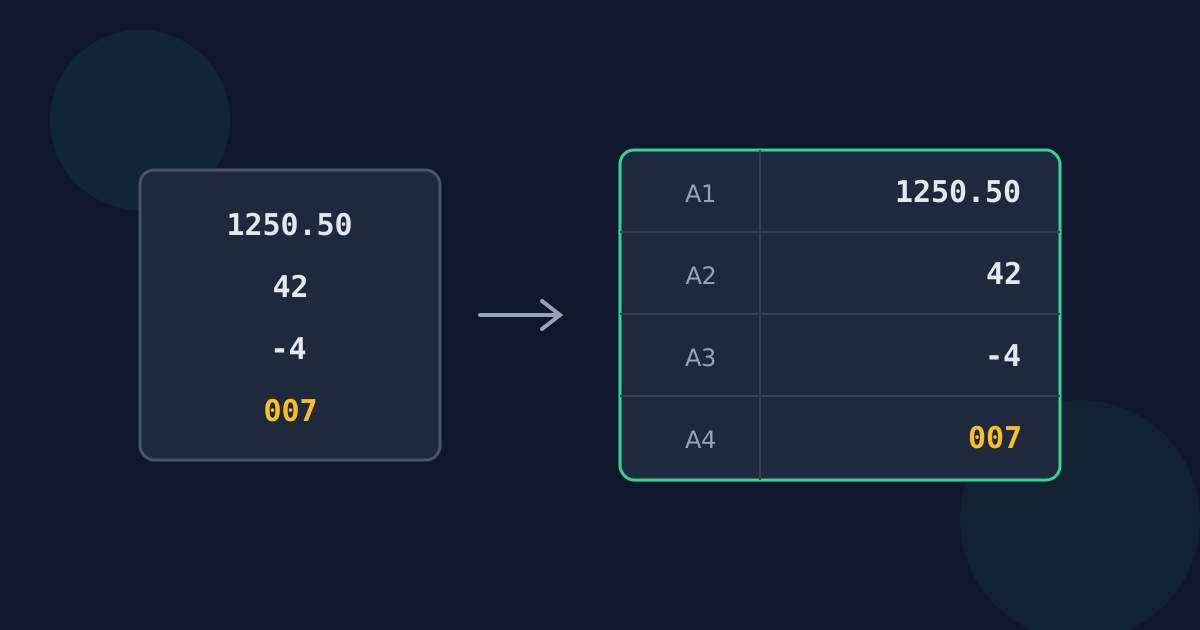
Spreadsheets put each pasted line in its own row. A list with exactly one number per line pastes straight into a single column; numbers mixed with words end up as text that formulas ignore. Extracting the numbers first gives you that clean one-per-line list.
Symbols, separators, and signs
- Currency symbols and % signs: spreadsheets usually recognise $49.99 and 25% on paste, but values with less common symbols may stay as text. Pasting bare numbers and formatting the column afterwards is the most reliable.
- Thousands separators: 1,250 is read correctly in English-language settings, but in a sheet set to a European locale the comma means a decimal point.
- Minus signs: a typographic minus (−) copied from a document is a different character from the hyphen-minus (-) a spreadsheet expects. Replace it before pasting if negative numbers stay as text.
Values a spreadsheet changes on its own
| You paste | What can happen | How to prevent it |
|---|---|---|
| 007 | Becomes 7 | Format the column as Text first |
| 3/4 | Becomes a date | Format as Text, or paste 0.75 |
| 1e5 | Is read as 100,000 in scientific notation | Format as Text if it is a code |
| 12345678901234567890 | Loses precision | Keep long IDs as Text |
Check before you calculate
After pasting, a quick test shows whether the values are real numbers: numbers align to the right by default, and SUM or COUNT over the column should include every row. Values aligned to the left, or a count lower than the number of rows, are still text.
Clean Numbers for Spreadsheets FAQ
- Why does my pasted number show as text?
- It probably contains a character the spreadsheet does not expect, such as a typographic minus sign, a space used as a thousands separator, or an unusual currency symbol.
- How do I keep leading zeros when pasting?
- Format the column as Text before pasting, so 007 stays 007 instead of becoming 7.
- Why did my number turn into a date?
- Values like 3/4 or 1-2 look like dates to a spreadsheet. Format the column as Text first, or write fractions as decimals.
- Should I remove currency symbols before pasting?
- Usually yes. Paste plain numbers, then apply a currency format to the column; it is more reliable than relying on symbols being recognised.
- How can I tell whether a cell holds a number or text?
- Numbers are right-aligned by default and are counted by COUNT; text is left-aligned and ignored by SUM.
Related guides
- Pull Numbers Out of TextPractical ways to get numbers out of emails, reports, chats, and copied pages — what to trim first, and how to check the extracted list.
- Numbers vs. Dates and VersionsWhy dates, phone numbers, versions, IP addresses, and ranges split into several numbers when extracted, and how to handle each one.
Open the tool
Jump into Extract Numbers from Text when you are ready to process your files.
