PDF guides
HTML to PDF: Supported Elements and Image Limits
HTML to PDF renders a static screenshot of your markup, which means some CSS behaves differently than it would in a live, interactive browser tab. This guide is a practical reference: what reliably renders, what is deliberately stripped, how images specifically behave, and the exact limits enforced by the tool.
Ready to try the tool this guide describes?
What reliably renders
- Inline styles and colors.
- Basic layout: block and inline flow, margins, padding, borders, backgrounds.
- Tables.
- Ordered and unordered lists.
- Headings and paragraphs.
What may not reproduce exactly
- Heavy CSS flexbox or grid layouts. A live browser tab can reflow flex or grid content interactively; a single static screenshot only captures one rendered state, so unusual or edge-case layouts may not look identical to how they would render in a normal browser window.
- CSS animations and transitions. The screenshot captures a single instant, so anything designed to move, fade, or transition has no visible effect on a static image.
What is deliberately stripped
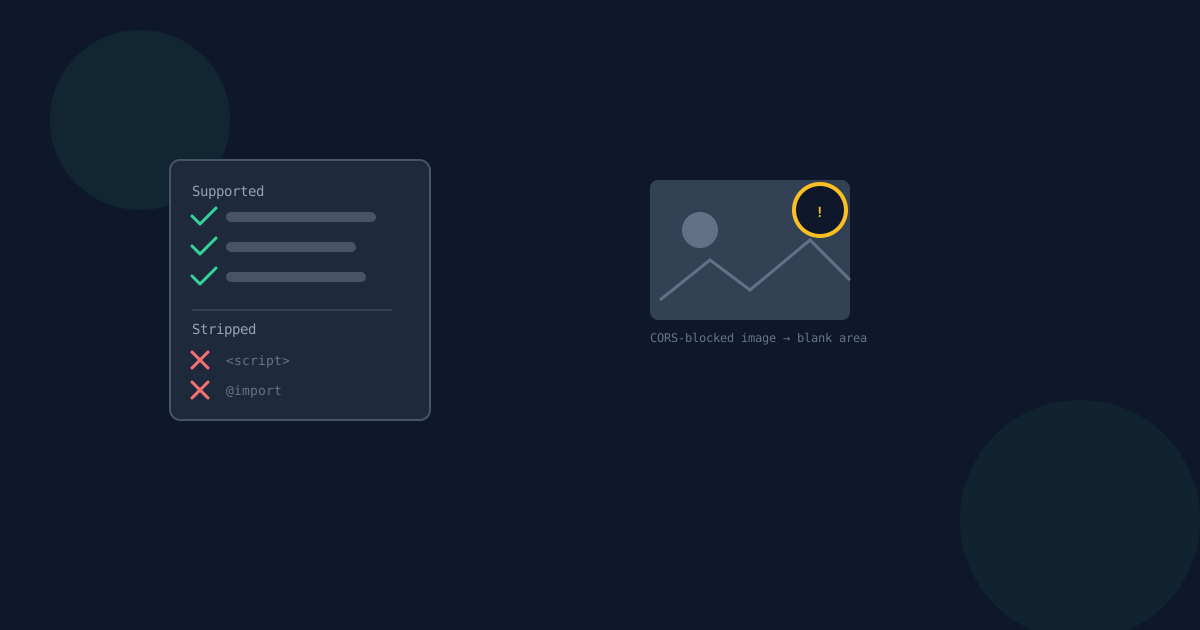
- Script content — always stripped for safety, with no exception.
- Remote stylesheets linked with an @import rule — stripped outright rather than fetched, so an @import pointing at an external stylesheet will not pull that stylesheet in.
- Inline event-handler attributes, such as onclick — removed as part of sanitization.
Images specifically
Images hosted on the same origin, or on a host that permits cross-origin access (CORS), render normally in the output PDF.
Images blocked by CORS render as a blank area in that spot rather than failing the whole conversion — one broken or blocked image degrades gracefully instead of stopping your PDF from being produced at all.
Limits
- Maximum HTML file size: 5 MB.
- Maximum input length: 500,000 characters.
- Maximum output length: 50 pages.
HTML to PDF Supported Elements FAQ
- Do CSS flexbox or grid layouts render correctly?
- Mostly, yes, but the output is a single static screenshot rather than a live, reflowable layout, so unusual or edge-case flex/grid arrangements may not look identical to how they render in a normal browser tab.
- Will my script tags run?
- No. Script content is always stripped for safety, with no exception.
- Will a remote stylesheet loaded with @import be applied?
- No. @import rules are stripped outright rather than fetched, so externally linked stylesheets referenced that way will not be applied.
- What happens to an image blocked by CORS?
- It renders as a blank area in that spot. The rest of the conversion still completes normally rather than failing entirely.
- What is the maximum HTML size I can convert?
- Uploaded files are limited to 5 MB, input length is limited to 500,000 characters, and the output PDF is limited to 50 pages.
- Will CSS animations show up in the PDF?
- No. The output is a static image capturing a single instant, so animations and transitions have no visible effect.
Related guides
- How to Convert HTML to PDFTurn pasted or uploaded HTML into a downloadable PDF in your browser, and why this is a paste-or-upload tool rather than a website-fetching tool.
- HTML to PDF Rasterized OutputThe actual rendering pipeline behind HTML to PDF — sanitized HTML rendered in a sandboxed frame, then screenshotted into page images — and what that means for text selection, links, and network activity.
- PDF to HTML Headings & TablesThe detection rules behind PDF to HTML's markup: how a font-size ratio decides heading levels, what the per-page section boundaries are for, and why extracted text is always HTML-escaped.


