PDF guides
EPUB Chapter Structure and Why It Matters for Conversion
An EPUB is a ZIP package built around an OPF package document, which lists every file in a manifest and defines reading order in a spine. Understanding that structure explains exactly how this tool turns chapters into PDF pages.
Ready to try the tool this guide describes?
How an EPUB is organized
META-INF/container.xml points to the OPF package document. The OPF’s manifest lists every file in the package with an id and a media type, and its spine lists those manifest ids in the order they should be read.
How this affects the PDF output
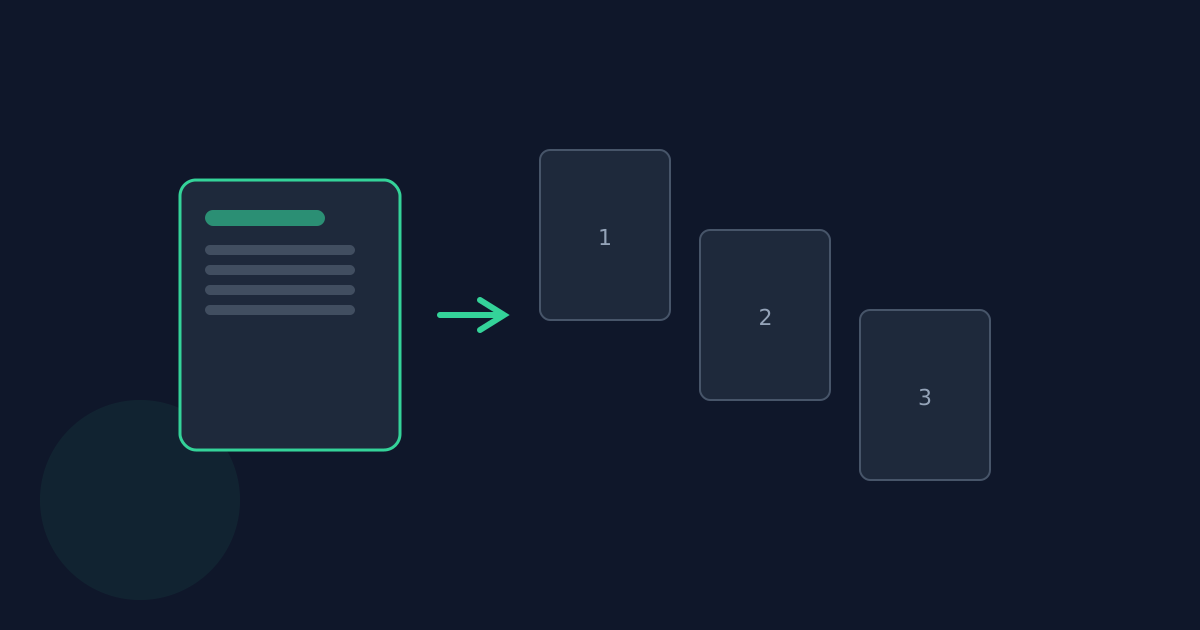
The tool walks the spine in order, and every chapter after the first starts on a fresh PDF page. A book split into many short spine files produces many short chapter-page groups rather than one continuous flow.
What happens to non-chapter spine/manifest entries
Only spine entries whose manifest media type is XHTML/HTML are converted as chapter content. Other manifest entries — embedded fonts, a navigation document — are not walked as chapters.
Table of contents and navigation
The EPUB’s own navigation/TOC document is not converted into PDF bookmarks. The output PDF is a flat sequence of pages in spine order, with no bookmarks panel.
EPUB Chapter Structure FAQ
- Does the PDF have a clickable table of contents?
- No — chapters are laid out in spine order with page breaks between them, but no PDF outline or bookmarks panel is generated.
- What if a spine item is missing from the archive?
- It’s skipped rather than failing the whole conversion.
- Does chapter order in the PDF match the book’s intended reading order?
- Yes — the tool uses the OPF spine, which defines the ebook’s authoritative reading order, not file names.
- Are non-XHTML files in the EPUB included as chapters?
- No — only spine entries with an XHTML/HTML media type are converted; other manifest entries are not treated as chapter content.
- Does every chapter start on its own PDF page?
- Yes — a page break is inserted before every chapter after the first.
Related guides
- EPUB to PDF: Fixed vs ReflowableWhy converting a reflowable EPUB into a fixed-layout PDF is inherently lossy, what this converter actually preserves, and when it is (and isn’t) the right tool.
- EPUB to PDF: Fonts and Page SizeWhat page size, margins, and font actually render an EPUB’s text once it’s converted to PDF, and how the source EPUB’s own CSS styling maps onto them.


