Text & writing
Why Some Email Addresses Are Not Found in Text
You can see an email address in the text, but the extractor does not list it. There is almost always a concrete reason: the address is disguised, broken across lines, hidden behind a link, or written in a format the extractor deliberately skips. Here is how to recognise and fix each case.
Ready to try the tool this guide describes?
Disguised addresses
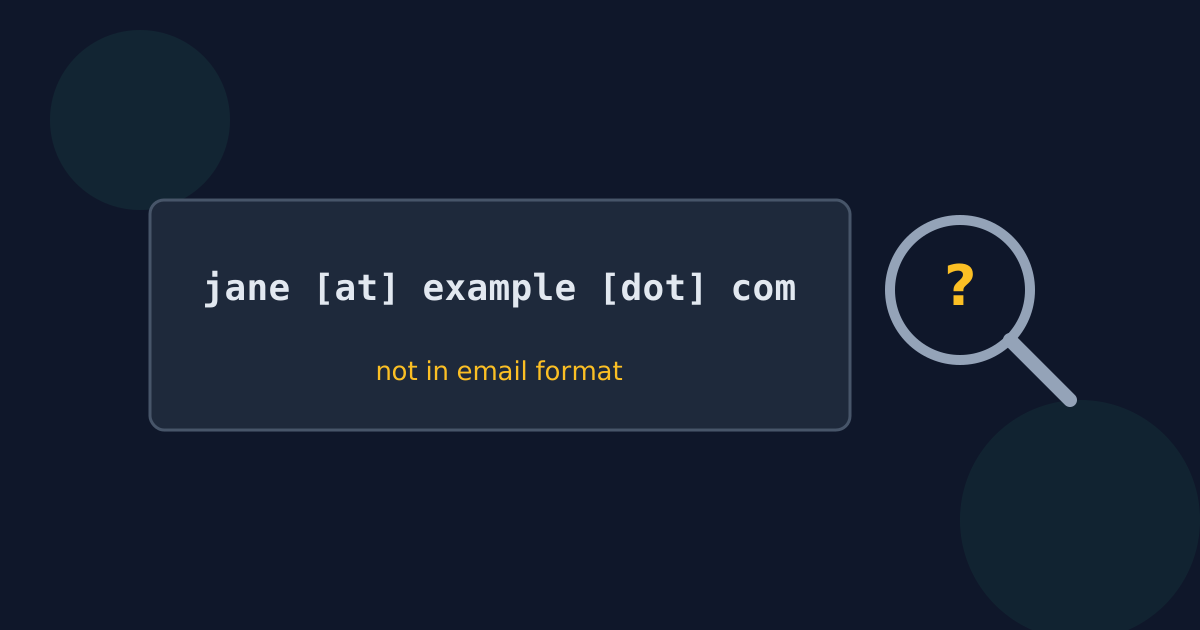
To avoid spam harvesters, many pages write addresses as “jane at example dot com” or “jane [at] example [dot] com”. These are not in email format, so no extractor recognises them. Convert them first with find and replace — “ [at] ” to “@” and “ [dot] ” to “.” — then extract.
Addresses split across lines
Text copied from PDFs and narrow columns can break a long address over two lines, sometimes with a hyphen added at the break. The two halves are then separate words. Rejoin the address by hand before extracting.
Addresses behind link text
A “Contact us” link in a web page, Word document, or PDF may point to a mailto: address that never appears in the visible text. Copying the text copies only the words “Contact us”. Open the link or copy its address directly.
Addresses in images and scans
Business-card photos, screenshots, and scanned PDFs contain pictures of text rather than text. Run them through OCR first to turn them into real text, then check the recognised addresses carefully — OCR often confuses characters such as l, 1, and I.
Formats that are skipped on purpose
- Quoted local parts: "john doe"@example.com.
- IP-address domains: user@[192.0.2.1].
- Domains without a dot: admin@localhost.
- Code and markup that stores the @ differently, such as @ in HTML source.
Why Emails Are Not Found FAQ
- Why is “name at example dot com” not found?
- It is not in email format. Replace “ at ” with “@” and “ dot ” with “.” first, then extract.
- Why is a clickable email link not found?
- The address is stored in the link, not in the visible text. Copy the link address itself.
- Can addresses be extracted from a scanned PDF?
- Only after OCR turns the scan into text. A scanned page contains an image, not characters.
- Why was only part of a long address found?
- It was probably split across two lines when copied. Rejoin it before extracting.
- Does the extractor find addresses like user@localhost?
- No. It requires a domain with a dot, because dotless domains only work on local networks.
Related guides
- Valid Email Address FormatWhat the email standards allow before and after the @, how that differs from what forms accept, and why extractors match a practical set of common formats.
- Clean Up an Email ListA checklist for email lists: extract bare addresses, remove case-insensitive duplicates, catch domain typos, handle role addresses, and confirm consent.
Open the tool
Jump into Extract Email Addresses from Text when you are ready to process your files.
