Text & writing
What Makes an Email Address Valid?
The rules for email addresses are far looser than most people expect — and far looser than most sign-up forms accept. This guide explains what the standards allow, what is actually common, and why tools that find or check addresses deliberately work with a practical subset.
Ready to try the tool this guide describes?
The two halves of an address
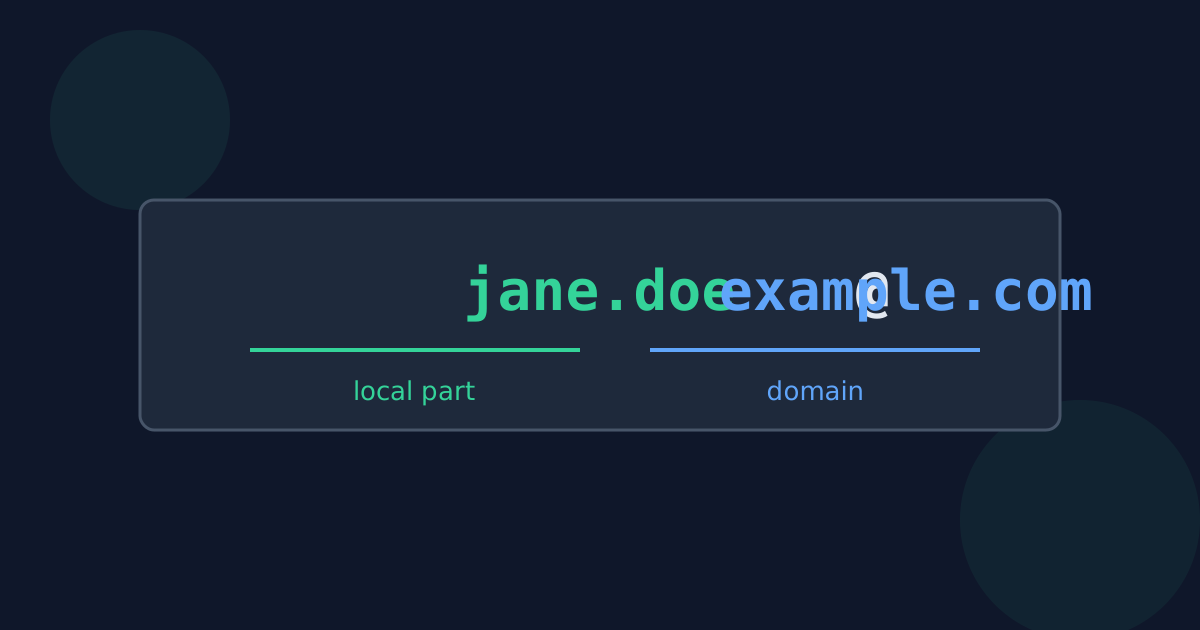
Everything before the @ is the local part, which the receiving mail server interprets. Everything after it is the domain, which works like any other internet domain name. In jane.doe+news@mail.example.co.uk, the local part is jane.doe+news and the domain is mail.example.co.uk.
What the standards allow
- Local part: up to 64 characters; letters, digits, and the symbols ! # $ % & ' * + - / = ? ^ _ ` { | } ~, with single dots between them.
- Quoted local parts, which may contain spaces and other symbols: "john doe"@example.com.
- Domain: labels of letters, digits, and hyphens separated by dots, up to 253 characters in total.
- An IP address in square brackets instead of a domain name: user@[192.0.2.1].
- International letters in both halves, under the internationalized email standards.
Valid, common, and deliverable are different things
Even a perfectly formed address may not exist. Only sending a message — or the mail server’s response — shows whether a mailbox is real.
| Example | Allowed by the standard | Commonly accepted by forms |
|---|---|---|
| jane.doe@example.com | Yes | Yes |
| jane+news@example.com | Yes | Usually |
| o'brien@example.ie | Yes | Often rejected |
| "john doe"@example.com | Yes | Rarely |
| user@localhost | Yes, on a local network | No |
Capital letters, dots, and plus signs
Domains are not case-sensitive. The standard allows a server to treat the local part as case-sensitive, but in practice almost none do, so Jane@Example.com and jane@example.com reach the same person. Some providers add their own rules: Gmail ignores dots in the local part and delivers jane+anything@gmail.com to jane@gmail.com. These are provider conventions, not general rules.
How Looty Tools finds addresses
The Extract Email Addresses tool looks for common formats: an unquoted local part of letters, digits, dots, and common symbols, then @, then a domain with at least one dot and a top-level domain of two or more letters (or an internationalized one). It intentionally skips quoted local parts, IP-address domains, and dotless domains, because in everyday text those shapes are far more often something else than a real address.
Valid Email Address Format FAQ
- Can an email address contain a plus sign?
- Yes. Many providers use it for sub-addressing, so jane+news@example.com is delivered to jane@example.com.
- Are email addresses case-sensitive?
- The domain never is. The local part technically may be, but almost every mail server ignores case.
- Can an email address contain an apostrophe?
- Yes — o'brien@example.ie is valid, although some forms wrongly reject it.
- Does a valid-looking address mean the mailbox exists?
- No. Format checks only confirm the shape. Only the receiving mail server knows whether the mailbox is real.
- Why do email extractors not accept every valid address?
- Rare formats such as quoted names and IP-address domains look like ordinary punctuation in running text, so matching them would produce many false results.
Related guides
- Clean Up an Email ListA checklist for email lists: extract bare addresses, remove case-insensitive duplicates, catch domain typos, handle role addresses, and confirm consent.
- Why Emails Are Not FoundTroubleshoot missing addresses: disguised “at” and “dot” forms, addresses split across lines, mailto links behind link text, scans, and skipped formats.
Open the tool
Jump into Extract Email Addresses from Text when you are ready to process your files.
