Calculators & everyday math
Why a 1 TB Drive Shows Less Space Than Advertised
A new 1 TB drive often shows up as about 931 GB. Nothing is missing: the drive maker and the computer are counting in different units. This guide explains the gap, shows what common sizes look like in binary units, and covers the other things that take up space.
Ready to try the tool this guide describes?
Two ways of counting the same bytes
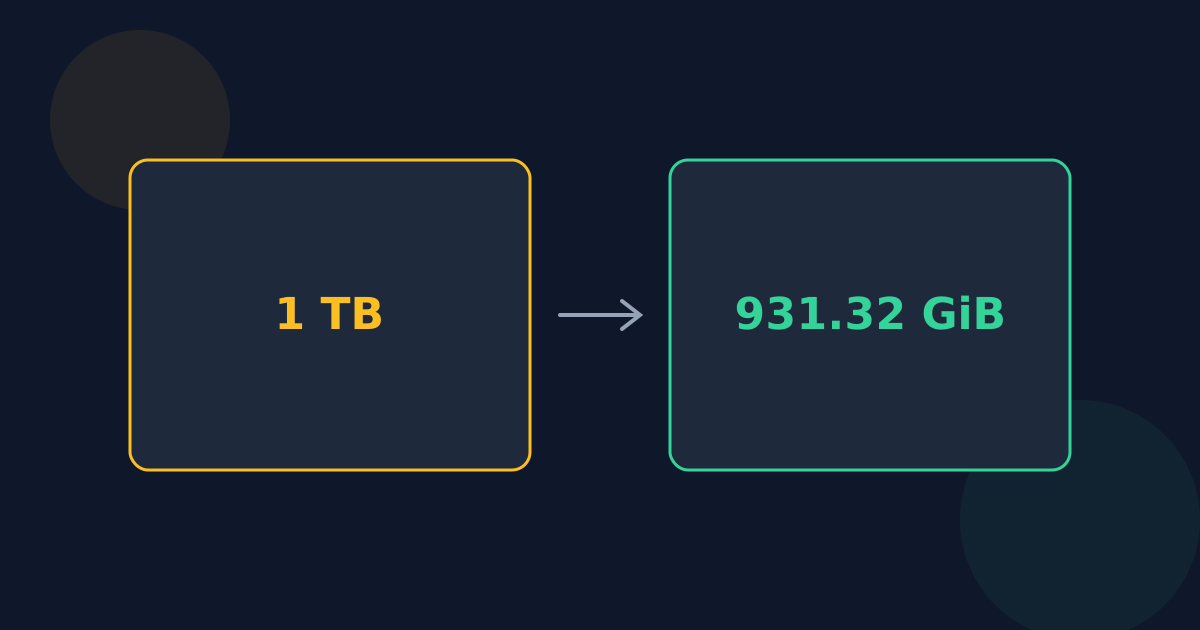
Drive makers use decimal units, so 1 TB is 1,000,000,000,000 bytes. Some operating systems, including Windows, divide by 1,024 at each step instead — but still display the result as “GB” or “TB”. Divided by 1,024³, 1,000,000,000,000 bytes is about 931.3225746, so the drive appears as roughly 931 GB. In correctly labeled binary units that is 931.32 GiB, or 0.9094947018 TiB.
Common sizes in binary units
| Advertised | GiB | TiB |
|---|---|---|
| 128 GB | 119.2092896 | 0.1164153218 |
| 256 GB | 238.4185791 | 0.2328306437 |
| 500 GB | 465.6612873 | 0.4547473509 |
| 1 TB | 931.3225746 | 0.9094947018 |
| 2 TB | 1,862.645149 | 1.818989404 |
| 4 TB | 3,725.290298 | 3.637978807 |
The gap grows with size: about 7% at the gigabyte scale and about 9% at the terabyte scale.
Other things that use space
- The file system itself needs room for its tables and journals.
- Recovery partitions and pre-installed operating systems or software.
- On SSDs, some capacity is set aside for wear leveling and is never shown.
- On phones, the operating system may count as “used” space from day one.
Why a Mac may show a different number
macOS has reported sizes in decimal units since Mac OS X 10.6, so a 1 TB drive appears close to 1 TB there, minus the space actually used by formatting. The same drive can therefore look larger on a Mac than on a Windows PC without changing at all.
Why 1 TB Shows 931 GB FAQ
- Is my 1 TB drive faulty if it shows 931 GB?
- No. That is the same capacity counted in powers of 1,024 and labeled with decimal units.
- How much space does a 2 TB drive show?
- About 1,862.65 GiB, which some systems show as 1.82 TB.
- Do drive makers overstate capacity?
- No. They use the SI definition of a terabyte, 1,000,000,000,000 bytes, and usually say so on the packaging.
- Why is even less space available than 931 GB?
- Formatting, recovery partitions, and pre-installed software take some of the space before you save anything.
- How do I convert a drive size myself?
- Divide the size in bytes by 1,024³ for GiB or 1,024⁴ for TiB, or pick TB and GiB in the Data Storage Converter.
Related guides
- KB vs. KiB, GB vs. GiBDecimal (SI) and binary (IEC) storage prefixes side by side, how far apart they drift at each size, and which devices and software use which.
- Bits vs. BytesWhat a bit and a byte are, why a byte is 8 bits, the b and B symbols, and why internet speeds use bits while file sizes use bytes.
Open the tool
Jump into Data Storage Converter when you are ready to process your files.
