Calculators & everyday math
Bits vs. Bytes: Why 8 Bits Make a Byte
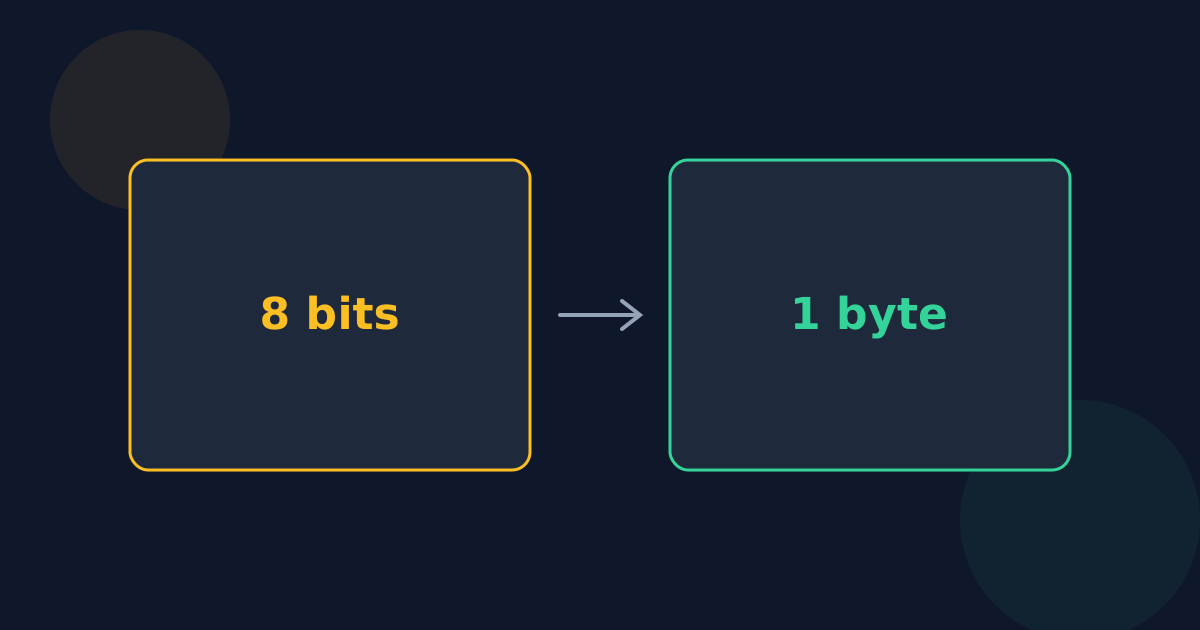
A bit is the smallest piece of digital information — a single 0 or 1. A byte is a group of 8 bits. The difference matters most when comparing an internet speed, quoted in bits, with a file size, quoted in bytes.
Ready to try the tool this guide describes?
What bits and bytes are
One bit can be one of two values. Eight bits together can be 2⁸ = 256 different values, enough for a letter in basic text or a number from 0 to 255. That group of eight is a byte, sometimes called an octet in networking standards.
Why a byte is 8 bits
Early computers used bytes of different sizes. IBM’s System/360, launched in 1964, standardized on 8 bits, which fits two decimal digits or one character comfortably, and nearly every computer since has followed. Half a byte, 4 bits, is sometimes called a nibble.
b versus B
- Lowercase b means bits: Mb or Mbit is a megabit.
- Uppercase B means bytes: MB is a megabyte.
- A megabyte is 8 times a megabit.
Bytes to bits
| Size | Bits |
|---|---|
| 1 byte | 8 |
| 1 KB | 8,000 |
| 1 KiB | 8,192 |
| 1 MB | 8,000,000 |
| 1 MiB | 8,388,608 |
| 1 GB | 8,000,000,000 |
Why internet speeds use bits
Data travels over a connection one bit at a time, so network speeds are given in bits per second. File sizes are stored in bytes. To estimate the most a connection can move, divide by 8: a 100 Mbps connection carries at most 12.5 MB of data per second, and real downloads are a little slower because of protocol overhead.
Bits vs. Bytes FAQ
- How many bits are in a byte?
- Eight.
- How many bits are in a kilobyte?
- 8,000 in a decimal kilobyte (KB) and 8,192 in a binary kibibyte (KiB).
- Is Mb the same as MB?
- No. Mb is megabits and MB is megabytes; a megabyte is 8 times larger.
- How many different values can one byte hold?
- 256, from 0 to 255.
- Why is my download slower than my Mbps speed suggests?
- The speed is in megabits, while the file is in megabytes, so divide by 8 first. Overhead and network conditions reduce it a little further.
Related guides
- KB vs. KiB, GB vs. GiBDecimal (SI) and binary (IEC) storage prefixes side by side, how far apart they drift at each size, and which devices and software use which.
- Why 1 TB Shows 931 GBWhy a 1 TB drive appears as about 931 GB on some computers, a table of common drive sizes in binary units, and the other things that use up space.
Open the tool
Jump into Data Storage Converter when you are ready to process your files.
