Calculators & everyday math
KB vs. KiB, MB vs. MiB, GB vs. GiB Explained
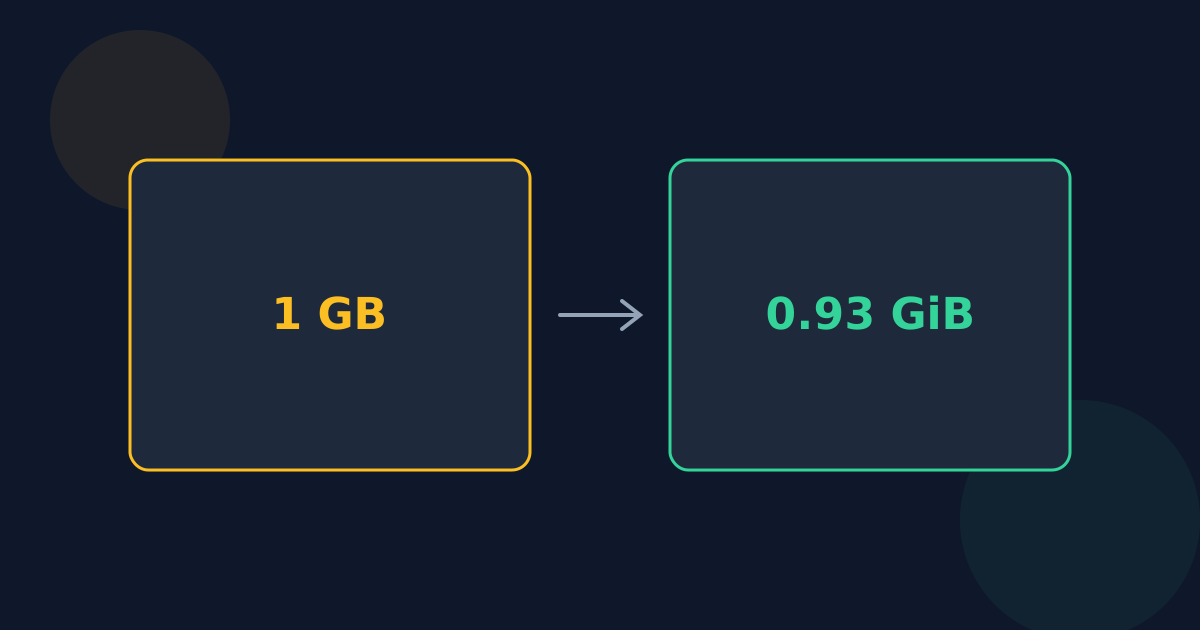
Storage sizes use two sets of prefixes that look almost identical. Decimal (SI) prefixes — kilo, mega, giga — step by 1,000. Binary (IEC) prefixes — kibi, mebi, gibi — step by 1,024. The gap starts small and grows with every step, which is why the same file or drive can show two different sizes.
Ready to try the tool this guide describes?
The two systems side by side
| Decimal (SI) | Bytes | Binary (IEC) | Bytes | Binary is bigger by |
|---|---|---|---|---|
| 1 KB | 1,000 | 1 KiB | 1,024 | 2.4% |
| 1 MB | 1,000,000 | 1 MiB | 1,048,576 | 4.858% |
| 1 GB | 1,000,000,000 | 1 GiB | 1,073,741,824 | 7.374% |
| 1 TB | 1,000,000,000,000 | 1 TiB | 1,099,511,627,776 | 9.951% |
| 1 PB | 1,000,000,000,000,000 | 1 PiB | 1,125,899,906,842,624 | 12.59% |
Why there are two systems
Computer memory is addressed in powers of two, so early engineers borrowed “kilo” for 1,024 because it was close to 1,000. As sizes grew into megabytes and gigabytes, the error grew with them. In 1998 the International Electrotechnical Commission introduced kibi (Ki), mebi (Mi), gibi (Gi), and so on for the binary values, leaving kilo, mega, and giga with their SI meaning of 1,000, 1,000,000, and 1,000,000,000.
Who uses which
- Drive, SSD, and memory-card makers: decimal — a 1 TB drive holds 1,000,000,000,000 bytes.
- Memory (RAM) sizes: binary — “16 GB” of RAM is really 16 GiB.
- Windows File Explorer: binary values, but labeled KB, MB, and GB.
- macOS (since Mac OS X 10.6): decimal values labeled KB, MB, and GB.
- Command-line tools often offer both, for example GNU df -h (powers of 1,024) and df -H (powers of 1,000).
Reading an ambiguous label
If a size says KiB, MiB, or GiB, it is binary. If it says KB, MB, or GB, it could be either, depending on the software. Checking one known value helps: if a file of 1,048,576 bytes shows as “1 MB”, that program is using binary units.
KB vs. KiB, GB vs. GiB FAQ
- Is 1 GB 1,000 MB or 1,024 MB?
- In SI units, 1 GB is 1,000 MB. In binary units, 1 GiB is 1,024 MiB. Software that writes “GB” for binary values means 1,024.
- How many GiB are in 1 TB?
- About 931.3225746 GiB.
- What does the “i” in KiB mean?
- Binary. Kibi is short for kilo binary, mebi for mega binary, and gibi for giga binary.
- Why is RAM measured in binary units?
- Memory chips are built and addressed in powers of two, so their sizes land naturally on values like 1,024³ bytes.
- Which one is correct?
- Both, as long as they are labeled correctly. 1 GB and 1 GiB are different, valid units — the trouble only comes when a binary value is shown with a decimal label.
Related guides
- Bits vs. BytesWhat a bit and a byte are, why a byte is 8 bits, the b and B symbols, and why internet speeds use bits while file sizes use bytes.
- Why 1 TB Shows 931 GBWhy a 1 TB drive appears as about 931 GB on some computers, a table of common drive sizes in binary units, and the other things that use up space.
Open the tool
Jump into Data Storage Converter when you are ready to process your files.
