Text & writing
How to Turn Plain Lines into a Bulleted or Quoted List
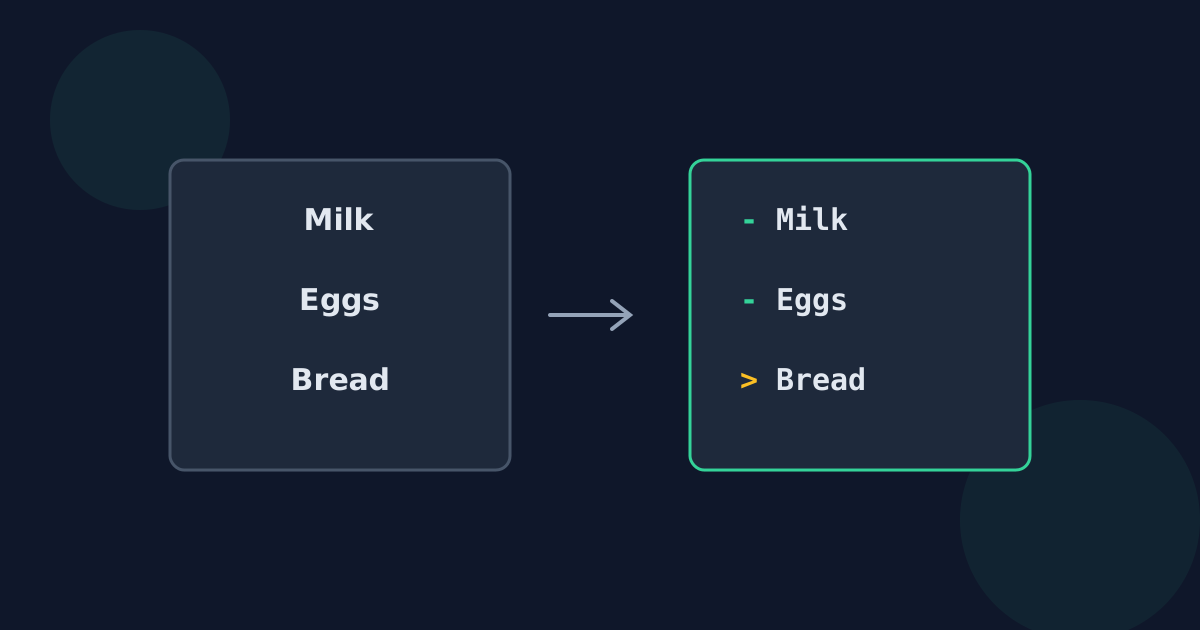
A plain list — one item per line — often needs a marker in front of each item before it is ready to paste somewhere else. Which marker to use depends on where the list is going: a Markdown file, a plain-text email, a chat message, or a document. This guide covers the common choices and the small details that decide whether they work.
Ready to try the tool this guide describes?
Choosing a bullet marker
| Marker | Where it works best | Note |
|---|---|---|
| - (hyphen and space) | Markdown, README files, notes apps, plain-text email | The most widely recognised plain-text bullet |
| * (asterisk and space) | Markdown | Equivalent to a hyphen in Markdown |
| • (bullet character and space) | Plain text shown as-is, such as social posts | Looks like a bullet everywhere, but Markdown does not treat it as a list |
| > (greater-than and space) | Email replies and Markdown quotes | Marks lines as quoted text |
The space after the marker matters
In Markdown, “- Milk” is a list item but “-Milk” is ordinary text. Include the space as part of the prefix so every line gets it. The same applies to quote markers: “> ” with a space is the convention in both email and Markdown.
Numbered lists without numbering by hand
Markdown renumbers ordered lists for you: if every line starts with “1. ”, the list is displayed as 1, 2, 3 and so on, because only the first number is used. That makes a numbered list possible with a single fixed prefix — useful for READMEs, GitHub issues, and other Markdown-based editors. In plain text, the numbers stay exactly as typed, so “1.” would appear on every line.
Gaps between items
Blank lines between items are usually meant as spacing, not as empty items, so they should not get a bullet. A stray “- ” on its own line becomes an empty bullet in Markdown. Skipping blank lines keeps the gaps clean; in Markdown, blank lines between items also make the list display with more space between entries.
Lines to a Bulleted List FAQ
- Which bullet character should I use in plain text?
- A hyphen followed by a space is recognised almost everywhere, including by Markdown. The • character looks nicer where text is shown as-is but is not a Markdown list marker.
- Why is my Markdown list not showing as a list?
- Check for a space after the marker. “-item” is plain text; “- item” is a list item.
- How do I make a numbered list with one prefix?
- In Markdown, start every line with “1. ” — the list is displayed as 1, 2, 3. Plain text will show “1.” on every line.
- How do I quote a block of text in an email reply?
- Add “> ” to the start of each line, the traditional plain-text quoting style many email programs still recognise.
- Should blank lines get a bullet?
- Usually not. A bullet on a blank line becomes an empty list item. Keep blank lines empty unless a format needs them marked.
Related guides
- Prefix Lines for Markdown and CodeLine-comment markers for common programming languages, Markdown quote and code-block prefixes, and when blank lines need the prefix too.
- Add a Prefix in Excel or SheetsAdd the same text to the start of every cell with a formula, a custom number format, Flash Fill, or ARRAYFORMULA — and keep blanks and leading zeros intact.
Open the tool
Jump into Add Prefix to Each Line when you are ready to process your files.
