Text & writing
Add a Prefix to Every Cell in Excel or Google Sheets
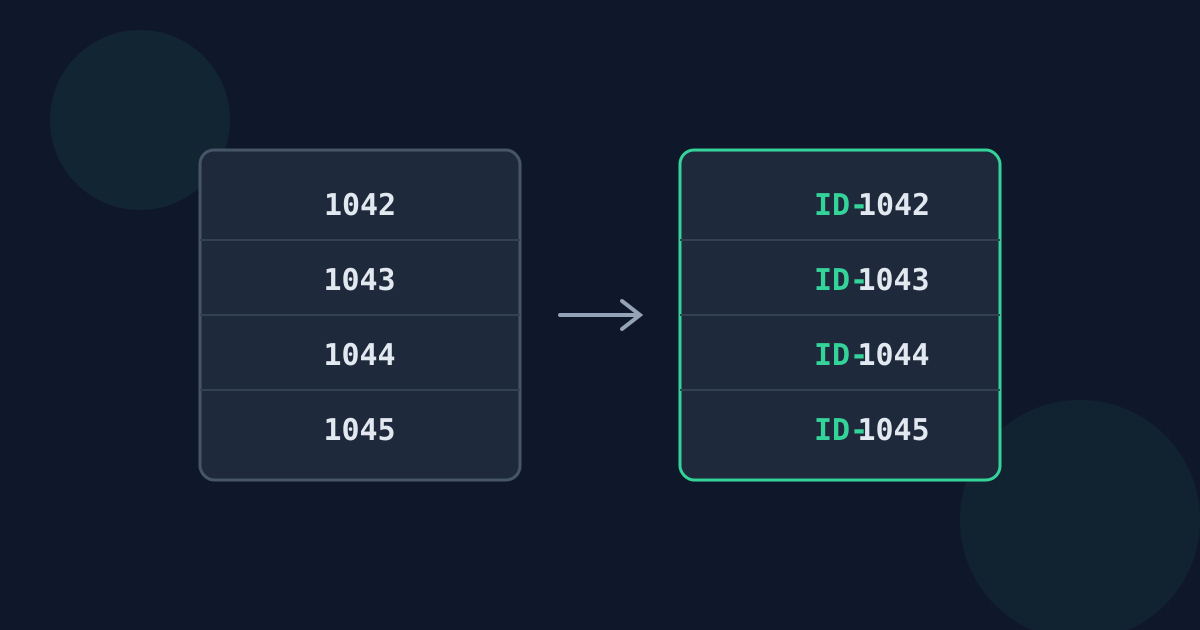
Adding the same text to the front of every cell — an ID code, a country code, a folder path — is a common spreadsheet task. Excel and Google Sheets can do it with a formula, a display format, or pattern-based filling. Each method behaves differently, so it is worth choosing deliberately.
Ready to try the tool this guide describes?
With a formula
In a new column, enter ="ID-"&A2 (or =CONCAT("ID-", A2)) and fill it down. The original column is unchanged. To keep only the results, copy the new column and paste it back as values, then delete the formulas.
To leave empty cells empty, use =IF(A2="", "", "ID-"&A2).
With a custom number format
Format Cells → Custom with "ID-"@ for text, or "ID-"0 for whole numbers, shows the prefix without changing the value stored in the cell. This keeps numbers usable in calculations, but the prefix disappears when the data is exported to CSV or copied as values.
With Flash Fill or an array formula
- Excel: type the first result by hand in the next column, then press Ctrl+E. Flash Fill copies the pattern down.
- Google Sheets: =ARRAYFORMULA(IF(A2:A="", "", "ID-"&A2:A)) fills the whole column from one cell.
Watch out for numbers and leading zeros
Joining text to a number produces text, so the result no longer sorts or sums as a number. Leading zeros that were only displayed by a number format (00123) are lost in a formula unless you use TEXT(A2, "00000"). Check a few results before replacing the original column.
Copying out and pasting back
A single column copied from a spreadsheet becomes one value per line. Adding a prefix to those lines in a text tool and pasting them back fills the cells again in the same order — useful when you do not want formulas in the file at all.
Add a Prefix in Excel or Sheets FAQ
- What formula adds text to the start of a cell?
- ="prefix"&A2, or =CONCAT("prefix", A2). Fill it down, then paste as values if needed.
- Can I add a prefix without changing the cell value?
- Yes, with a custom number format such as "ID-"@. The prefix is displayed but not stored.
- Why did my leading zeros disappear?
- They were probably only a display format. Use TEXT(A2, "00000") inside the formula to keep them.
- How do I skip blank cells?
- Wrap the formula in IF: =IF(A2="", "", "ID-"&A2).
- Does Flash Fill work in Google Sheets?
- Google Sheets has its own suggestion feature (Smart Fill) that can offer to complete a pattern, but an ARRAYFORMULA is more predictable.
Related guides
- Lines to a Bulleted ListWhich bullet or quote marker to use for Markdown, email, and plain text, why the space after it matters, and how to number a Markdown list with one prefix.
- Prefix Lines for Markdown and CodeLine-comment markers for common programming languages, Markdown quote and code-block prefixes, and when blank lines need the prefix too.
Open the tool
Jump into Add Prefix to Each Line when you are ready to process your files.
