Text & writing
Prefixing Lines for Markdown Quotes and Code Comments
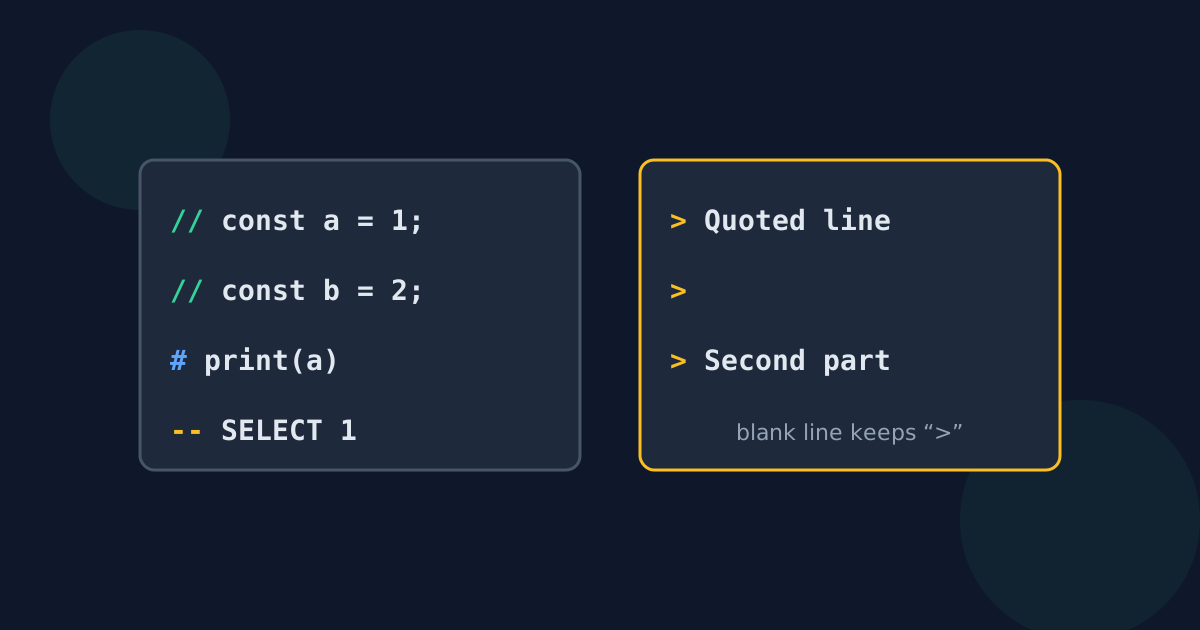
Commenting out a block of code or quoting a passage in Markdown both come down to putting the same characters at the start of every line. The right characters depend on the language, and blank lines behave differently in each — which is where most mistakes happen.
Ready to try the tool this guide describes?
Line-comment markers by language
| Marker | Languages and files |
|---|---|
| // | JavaScript, TypeScript, C, C++, C#, Java, Go, Rust, Swift, Kotlin |
| # | Python, Ruby, shell scripts, YAML, TOML, R, Perl |
| -- | SQL, Lua, Haskell |
| % | LaTeX, MATLAB |
| ; | INI files, Lisp, many assembly languages |
| REM | Windows batch files |
Markdown quotes and indented code
In Markdown, “> ” turns a line into a blockquote and “>> ” nests a quote inside a quote. Four spaces in front of every line make an indented code block, which displays the lines in a fixed-width font exactly as written.
Blank lines: when to prefix them
- Markdown quotes: a blank line with no “>” ends the quote, so a multi-paragraph quote needs “>” on the blank lines too.
- Code comments: blank lines inside a commented block are harmless either way; most style guides leave them empty.
- Indented code blocks: blank lines inside the block may stay empty.
This is the main reason a prefix tool lets you choose whether blank lines get the prefix.
Editor shortcuts and when to use a tool
Most code editors toggle line comments for the selected lines with Ctrl+/ (Cmd+/ on a Mac), using the right marker for the file type. A standalone prefix tool is handier when the text is not in an editor — a snippet in a chat, a document, or a web form — or when the prefix is not a comment marker at all.
Prefix Lines for Markdown and Code FAQ
- What is the comment marker for Python?
- A hash sign: “# ”. Python has no separate block-comment syntax, so each line gets its own #.
- How do I quote several paragraphs in Markdown?
- Put “> ” in front of every line, including the blank lines between paragraphs, so the quote does not end early.
- How do I make a Markdown code block by indenting?
- Indent every line with four spaces, or wrap the lines in a pair of ``` fences instead.
- What is the keyboard shortcut to comment out lines?
- In most code editors, Ctrl+/ on Windows and Linux or Cmd+/ on a Mac.
- Which comment marker does SQL use?
- Two hyphens: “-- ”. Many databases also accept /* … */ for block comments.
Related guides
- Lines to a Bulleted ListWhich bullet or quote marker to use for Markdown, email, and plain text, why the space after it matters, and how to number a Markdown list with one prefix.
- Add a Prefix in Excel or SheetsAdd the same text to the start of every cell with a formula, a custom number format, Flash Fill, or ARRAYFORMULA — and keep blanks and leading zeros intact.
Open the tool
Jump into Add Prefix to Each Line when you are ready to process your files.
