Text & writing
Paragraph Length and Readability: When to Break
Paragraph length is one of the first things a reader notices — before reading a single word, they see either an inviting page with clear breaks or a solid block of text. This guide explains why paragraph breaks help readers scan and understand, how screen size changes the picture, and practical techniques for splitting and combining paragraphs while you edit.
Ready to try the tool this guide describes?
Why paragraph breaks help readers
- Breaks signal structure: each new paragraph tells the reader a new point is starting.
- Scanning relies on first lines: many readers skim the opening sentence of each paragraph to find what they need, so a clear topic sentence in each paragraph helps them navigate.
- White space reduces the visual effort of starting to read — a dense block looks like hard work even when the sentences are simple.
- Shorter units are easier to hold in mind, especially for complex material or readers using a second language.
Screen size changes paragraph length
A paragraph’s visual length depends on the width it is displayed at. The same 120-word paragraph that fills a few lines on a desktop monitor can take up most of a phone screen. If your writing will mostly be read on phones, paragraphs that feel moderate on a desktop can feel long.
Checking a draft at phone width before publishing is a quick way to spot paragraphs that need splitting.
How to split a long paragraph
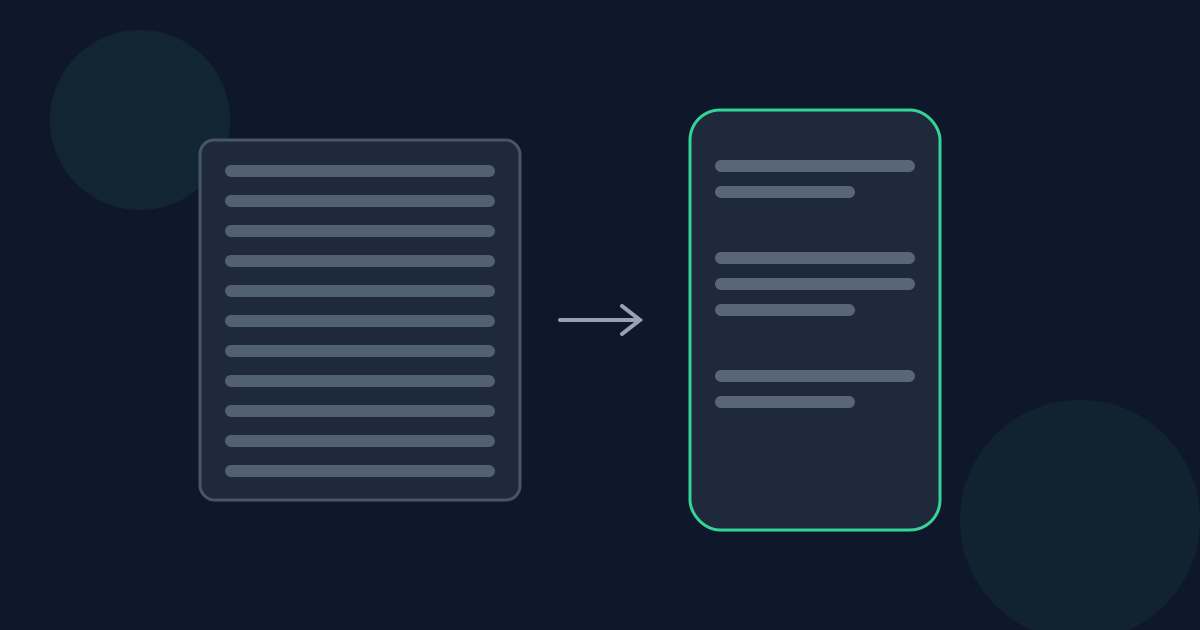
Before: one paragraph explains a product’s price, then its setup process, then its warranty. After: three paragraphs — price, setup, warranty — each starting with a sentence that names its topic.
- Find the sentence where the focus shifts — a new example, a new reason, a “however” or “another”.
- Start the new paragraph there, and give it a clear opening sentence.
- Check that each resulting paragraph still makes sense on its own; add a short transition if the connection is lost.
When to combine short paragraphs
Combine consecutive short paragraphs when they make the same point, when one only exists to explain the previous one, or when the text reads like a list of disconnected statements. Joining them, with a connecting word such as “because” or “so”, often makes the logic clearer.
Using a paragraph count while editing
Paste a draft into the Paragraph Counter and compare the paragraph count with the average words per paragraph. A high average points to paragraphs worth splitting; splitting one in two raises the count by one and lowers the average immediately, so you can see the effect of each edit.
Paragraph Length and Readability FAQ
- Do short paragraphs always improve readability?
- Not always. Breaking a single idea into many tiny paragraphs can hide how the sentences connect. The goal is one clear idea per paragraph, not the shortest possible paragraphs.
- What is a topic sentence?
- The sentence, usually the first, that states what the paragraph is about. Readers who skim often read only topic sentences, so they should make sense on their own.
- How can I tell if my paragraphs are balanced?
- Compare their lengths. If one paragraph is several times longer than the others, it probably contains more than one point and can be split.
- Why does my text look longer on a phone?
- Narrow screens fit fewer words per line, so every paragraph takes more lines and more scrolling, even though the word count is the same.
- Should headings replace paragraph breaks?
- Headings group several paragraphs under a topic; they do not replace paragraph breaks. Long sections usually need both.
Related guides
- How Long Should a Paragraph Be?Why there is no single right paragraph length, what GOV.UK and other guidance recommends, and typical paragraph expectations for essays, web writing, email, instructions, and fiction.
- How Paragraphs Are CountedHow paragraph counters find paragraphs in plain text — line breaks versus blank lines — and how text from Word, Google Docs, Markdown, email, and PDFs affects the count.
Open the tool
Jump into Paragraph Counter when you are ready to process your files.
