File & Data
Convert JSON to XML Without Uploading It
Many online JSON-to-XML converters ask you to upload the file to a remote server. Looty Tools JSON to XML is built for local conversion: JSON stays in the browser while a custom parser and XML serializer build the document on your device. This guide explains what that means in practice, for both uploaded files and pasted text.
Ready to try the tool this guide describes?
What “without uploading” means here
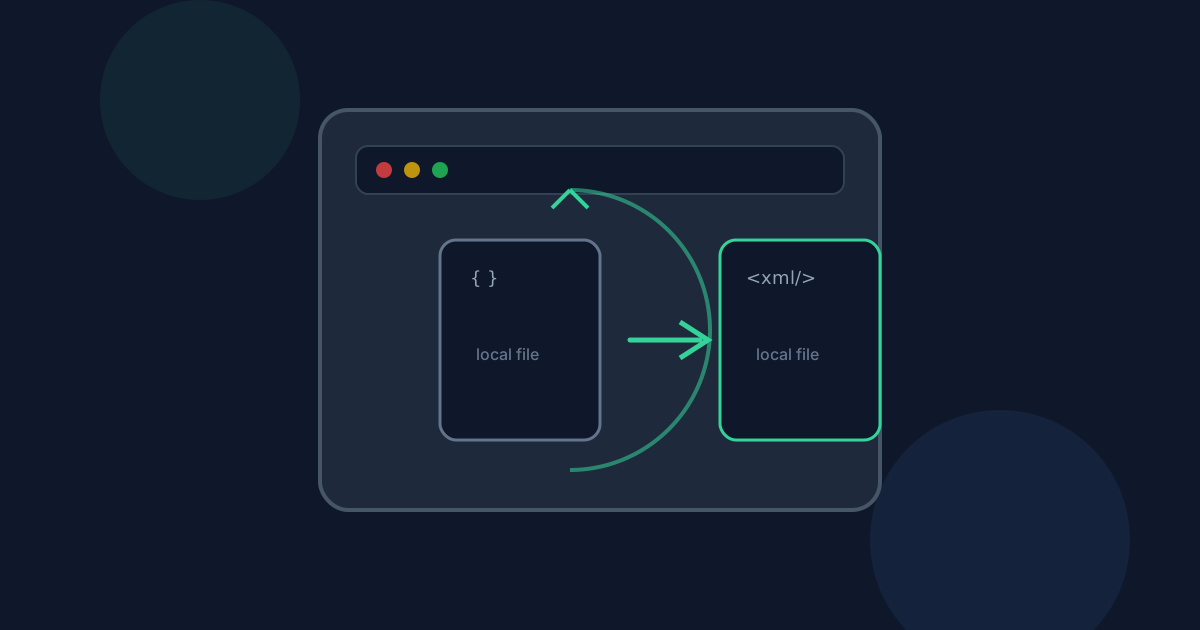
When you choose a .json file or paste JSON text, the browser reads or holds the content in memory. Parsing and XML generation run client-side, and the download is a local Blob. There is no Looty Tools conversion endpoint that receives your JSON contents for this workflow.
Your JSON is processed locally in your browser and is not uploaded to our servers, whether you choose a file or paste text.
What can still leave the device
Page assets, analytics, and account requests can still use the network as on any website. Successful-use analytics may record that the tool was used after a successful download. They do not include filenames, pasted text, or JSON contents.
If you later email, sync, or upload the downloaded .xml file, that step is outside this conversion path.
How local conversion compares to upload services
Upload-based converters send the full JSON payload to a remote worker, which can be convenient for very large server-side jobs but expands the trust boundary—your data leaves the device before it comes back as XML. Browser-only conversion keeps the JSON on-device and is limited by browser memory instead.
- Local: JSON content stays in the browser during parsing and serialization.
- Upload services: the provider receives and temporarily stores the JSON payload.
- Very large JSON documents may still strain a low-memory device even when privacy is preferred.
How to convert privately on Looty Tools
- Open /tools/json-to-xml on a modern browser.
- Choose a .json file locally, or paste JSON text directly into the tool.
- Review the root element name and generated XML preview on your device.
- Download the .xml file from the browser.
JSON to XML Without Uploading FAQ
- Is JSON uploaded to Looty Tools for conversion?
- No. Parsing and XML generation run in your browser for both file uploads and pasted text. There is no conversion endpoint that receives your JSON contents for this workflow.
- Does pasting JSON behave differently from uploading a file, privacy-wise?
- No. Both input methods are processed the same way, entirely in the browser. Pasted text is never sent anywhere to be parsed.
- Does usage tracking include my JSON contents?
- Successful-use analytics may record that the tool was used after a successful download. They do not include filenames, pasted text, or JSON contents.
- Can I use the tool offline after the page loads?
- The tool’s scripts must load in the browser first. Once the page is available, the JSON parser and XML serializer run locally without needing the network for the conversion itself.
- Where can I learn the JSON to XML conversion workflow?
- See /guides/how-to-convert-json-to-xml for the step-by-step workflow and /guides/json-arrays-and-nested-objects-to-xml for how the output is structured.
Related guides
- How to Convert JSON to XMLConvert a .json file or pasted JSON into a formatted .xml document locally: choose a root element name, review the preview, and download without uploading.
- JSON Arrays and Nested Objects to XMLUnderstand how repeated array items, nested objects, invalid key names, and null values become predictable, standards-compliant XML elements.
- Browser-Based File PrivacyUnderstand local browser processing, when files stay on your device, practical privacy checks, and how Looty Tools discloses different processing models.


