Image guides
How to Convert TIFF to PNG in Your Browser
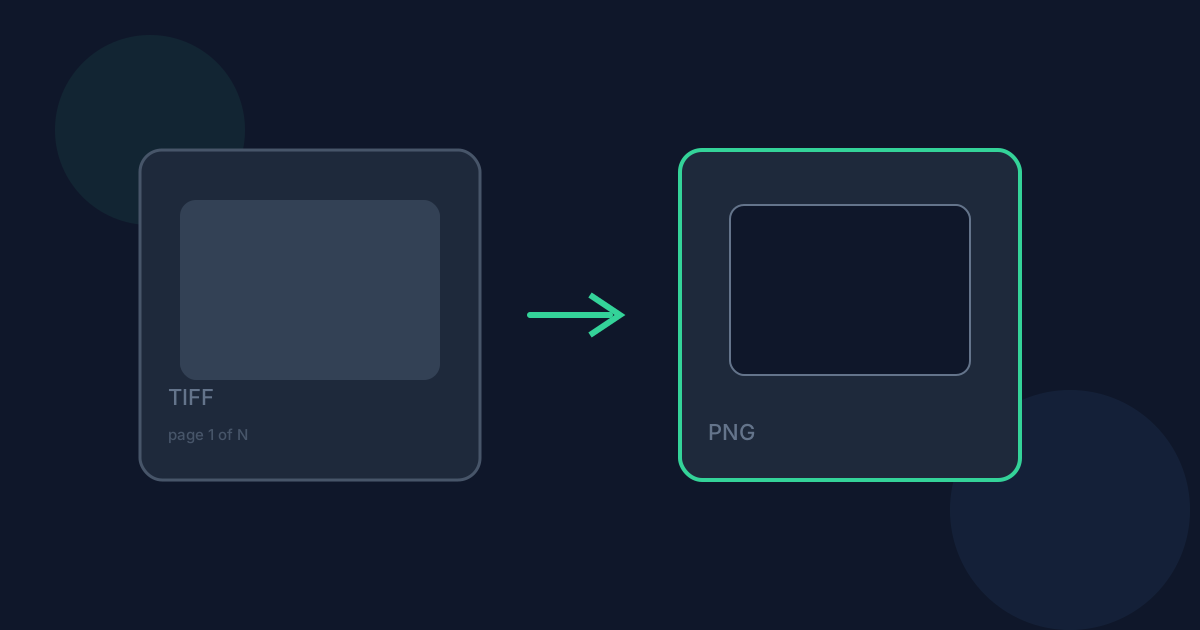
Converting a scanner or camera TIFF to PNG keeps it fully lossless, but like the JPG version of this tool, only the first page of a multi-page file ever makes it into the output. This guide covers what carries through cleanly, what doesn’t, and when PNG beats JPG as the target.
Ready to try the tool this guide describes?
How TIFF becomes PNG
The same browser-side TIFF decoder reads only the first page (IFD) of the file, then re-encodes those decoded pixels losslessly as PNG. There is no quality setting because nothing is discarded on the way out.
What changes when you convert
Image quality is fully preserved, since both the TIFF read and the PNG write are lossless — this is a container change, not a quality trade. Alpha survives if the decoded TIFF page has an alpha channel; unlike the JPG version of this conversion, nothing is flattened onto white here. File size can move in either direction depending on how compressible the image content is: a simple scanned document may shrink, a photographic TIFF may grow.
When PNG is the right choice — and when it isn’t
Choose PNG over JPG from this tool whenever you need lossless output or need to preserve transparency from the source TIFF — it is the better default for anything you will edit further or display precisely. If file size matters more than lossless fidelity, JPG will produce a smaller result at the cost of some detail.
Limitations and privacy
Same 25 MB file size and 8,192-pixel-per-side limits as the JPG converter, and the same first-page-only behavior for multi-page files. Some TIFF compression schemes may fail to decode. Conversion runs locally in your browser; the file is not uploaded to Looty Tools servers.
Convert TIFF to PNG FAQ
- Does this keep transparency from the TIFF?
- Yes, if the decoded page has an alpha channel. Unlike TIFF to JPG, nothing is flattened onto a white background.
- Will the PNG be smaller than the TIFF?
- Not necessarily — it depends on the image. A simple document scan often shrinks; a photographic TIFF can grow.
- Why only the first page?
- This version of the tool doesn’t extract additional pages from a multi-page TIFF — only the first IFD is decoded.
- How is this different from converting to JPG?
- No quality loss and no forced white background: PNG output here is lossless and keeps any alpha channel the decoded page has.
- Is my file uploaded anywhere?
- No. Conversion runs locally in your browser and does not upload your file to Looty Tools servers.
Related guides
- TIFF vs PNGCompare TIFF and PNG for transparency, lossless quality, editing workflows, and when converting TIFF to PNG is the better choice.
- TIFF to PNG Without UploadingLearn how Looty Tools converts TIFF to PNG privately in your browser using a local TIFF decoder, with no file upload.
- Convert TIFF to JPGConvert a TIFF image to JPG locally: choose the file, adjust JPEG quality, and download the result. Only the first TIFF page is converted.


