PDF guides
How to Convert PDF to PowerPoint Online
Sometimes a PDF needs to become an editable slide deck again — to update a report, reuse a diagram, or repurpose content in a new presentation. The Looty Tools PDF to PowerPoint converter reads a PDF and rebuilds each page as a real PowerPoint slide, entirely in your browser. This guide covers the conversion steps, what becomes genuinely editable, and key limits.
Ready to try the tool this guide describes?
What this tool actually does
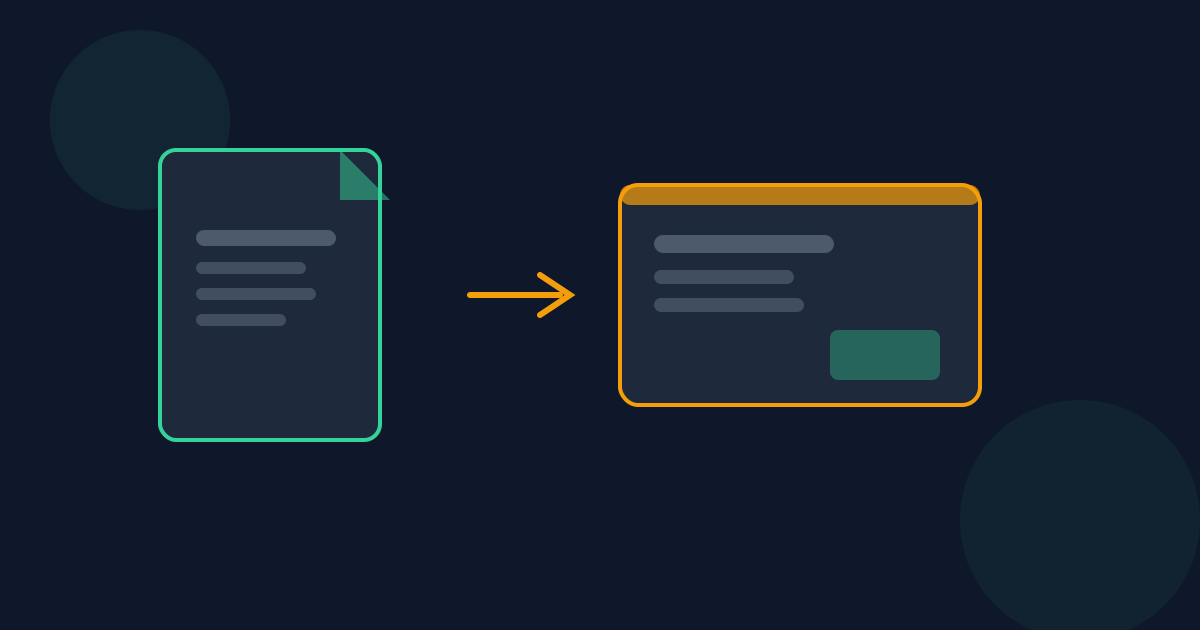
PDF to PowerPoint does not simply paste a picture of each page onto a slide. It reads the real text on each page — with its approximate position, size, and alignment — and rebuilds it as an editable PowerPoint text box. Embedded photos and graphics are located individually and placed as their own movable picture objects. The result is a .pptx file you can actually click into and edit, not a slideshow of screenshots.
How to convert PDF to PowerPoint on Looty Tools
Each page of the PDF becomes one slide, in order, sized to match the document's page dimensions.
- Open the PDF to PowerPoint tool at /tools/pdf-to-powerpoint.
- Choose or drop a PDF file.
- Select Convert to PowerPoint.
- Download the resulting .pptx presentation.
Limits
- Maximum file size: 25 MB, up to 50 pages.
- Scanned or image-only PDFs are rejected up front — this tool does not perform OCR.
- See /guides/pdf-to-powerpoint-what-converts-explained for exactly what does and does not carry over.
Privacy
Conversion runs locally in your browser. Your PDF is not uploaded to Looty Tools.
How to Convert PDF to PowerPoint FAQ
- Is the PowerPoint output actually editable?
- Yes. Extracted text becomes real, selectable PowerPoint text boxes, and embedded images become real, movable picture objects — not a screenshot per slide.
- Does every PDF page become a slide?
- Yes, one slide per page, in the PDF's page order, sized to the document's dimensions.
- Are scanned PDFs supported?
- No. A scanned or image-only PDF has no extractable text, so this tool cannot convert it — it does not perform OCR.
- Is my PDF uploaded anywhere?
- No. Conversion runs locally in the browser, so your PDF is not uploaded to Looty Tools.
- What is the maximum PDF size?
- The maximum file size is 25 MB, with up to 50 pages.
Related guides
- PDF to PowerPoint Editable ContentWhich parts of a PDF become real, editable PowerPoint text boxes and picture objects, and which visual elements are not reconstructed.
- PDF to PowerPoint Without UploadingHow PDF to PowerPoint processes your PDF entirely in the browser, with no upload to Looty Tools, and why that matters for confidential documents.
- How to Convert PowerPoint to PDFConvert a .pptx slide deck into a PDF with one page per slide in your browser. Covers supported formats, how-to steps, and privacy.
Open the tool
Jump into PDF to PowerPoint when you are ready to process your files.


