Image guides
How to Convert GIF to JPG in Your Browser
GIF stores images with a limited, indexed color palette and, unlike JPG, has no true lossy compression of its own — it’s either indexed-and-uncompressed detail or nothing. This guide explains what actually happens when a GIF frame is decoded and re-encoded as a JPEG, and where that lossy re-encode helps or hurts.
Ready to try the tool this guide describes?
How GIF becomes JPG
- The browser decodes the GIF’s LZW-compressed, indexed-color data into a full grid of RGB pixel values — the same step used just to display the image.
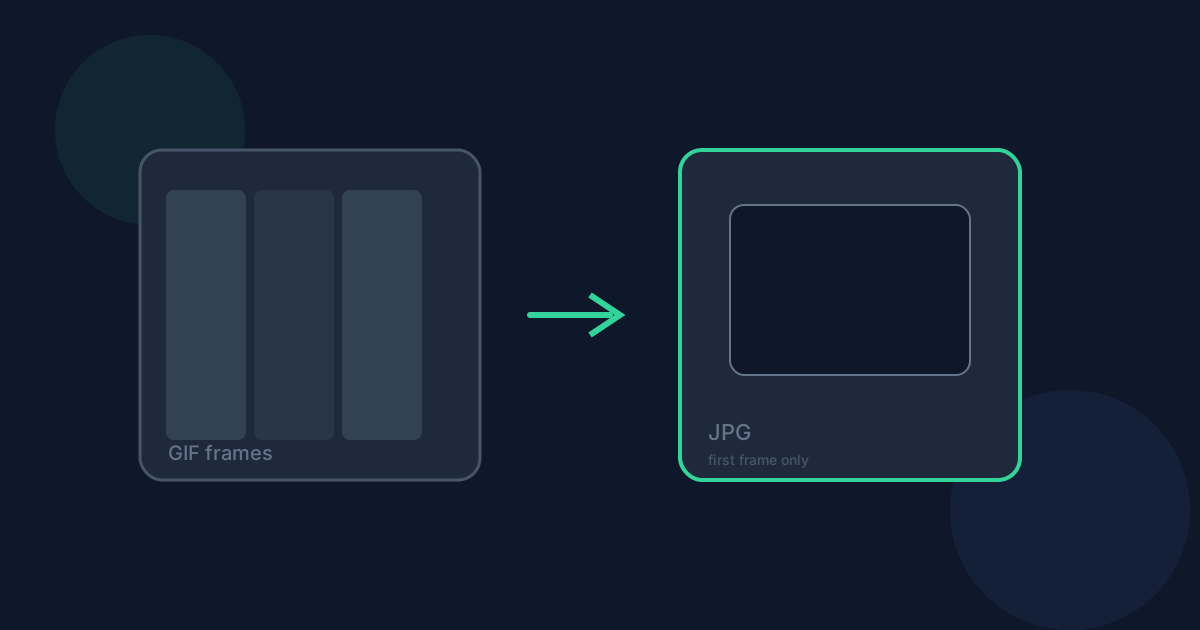
- Only the first displayed frame is decoded. This tool is for static GIF conversion only, so any later animation frames are never read or included.
- If the decoded frame has transparent pixels, they’re flattened onto a solid white background before encoding, because JPEG has no alpha channel to store transparency in at all.
- The flattened pixel data is re-encoded by the browser’s JPEG encoder at your chosen quality (default 90%), applying real lossy compression for the first time in this pipeline.
What changes when you convert
This is typically the first genuinely lossy compression pass the image goes through. GIF’s LZW compression is lossless — it just can’t represent more than 256 colors per frame — so converting to JPEG trades that palette limit for JPEG’s block-based compression artifacts, which can be more noticeable on the sharp edges and flat color fields GIF graphics often contain.
Transparency doesn’t survive in any form — GIF’s simple on/off transparency is flattened to solid white, since JPEG has no concept of alpha. If the transparent area was meant to sit over something other than white, that context is lost.
File size usually drops for photographic content, since JPEG’s compression is built for exactly that. For simple flat-color graphics, though, the size difference is less predictable, and visible compression artifacts are a more likely trade-off than a smaller file.
When JPG is the right choice — and when it isn’t
JPG makes sense when the GIF frame is photographic — a screenshot of a photo, a video-still export — and you need a small, universally compatible file for sharing or uploading. It’s a poor fit for graphics with transparency, text, or hard edges, like logos and icons, where flattening to white and lossy artifacts both work against the image.
If the frame needs to stay editable or keep real transparency, convert to PNG instead — it won’t flatten the background or add compression artifacts on top of GIF’s existing palette limits.
Limitations and privacy
Only the first displayed frame is ever converted — animation, timing, and loop count are discarded entirely, with no option in this tool to preserve them. Some unusual or corrupted GIF files may also fail to decode in a given browser.
Metadata isn’t carried into the JPG output. Conversion runs entirely in your browser using native image decoding — the file is never uploaded to Looty Tools servers.
Convert GIF to JPG FAQ
- Why can a GIF converted to JPG look worse than the original in some spots?
- JPEG’s lossy compression can introduce artifacts around sharp edges and flat color regions — exactly the kind of content GIF is usually used for. GIF itself has no compression artifacts, so this is often the first lossy pass that image has been through.
- Why does transparency turn into a white background instead of just disappearing?
- JPEG has no alpha channel at all, so there’s no way to store “transparent” — any pixel has to be some solid color. White is used as the flatten color rather than leaving the result undefined.
- Has my GIF already lost quality before I convert it to JPG?
- GIF’s own compression (LZW) is lossless — the only quality limit going in is the 256-color palette. The JPEG encode in this conversion is typically the first actual lossy compression step the image undergoes.
- When should I convert a GIF to PNG instead of JPG?
- Choose PNG when the frame has transparency you need to keep, or contains text, logos, or hard edges where JPEG’s compression artifacts would be more noticeable — PNG won’t flatten the background or add lossy artifacts.
- Does converting a GIF to JPG send my file to a server?
- No. The GIF is decoded and the JPEG encoded entirely in your browser — nothing is uploaded to Looty Tools for this workflow.
Related guides
- GIF vs JPGCompare GIF and JPG for animation support, color depth, and file size, and see when converting a static GIF to JPG is the better choice.
- GIF to JPG Without UploadingLearn how Looty Tools converts GIF to JPG privately in your browser using native browser image decoding, with no file upload.
- Convert BMP to JPGConvert a BMP (bitmap) image to JPG locally: choose the file, adjust JPEG quality, and download a much smaller image.


