Image guides
GIF vs JPG: Animation, Color, and File Size
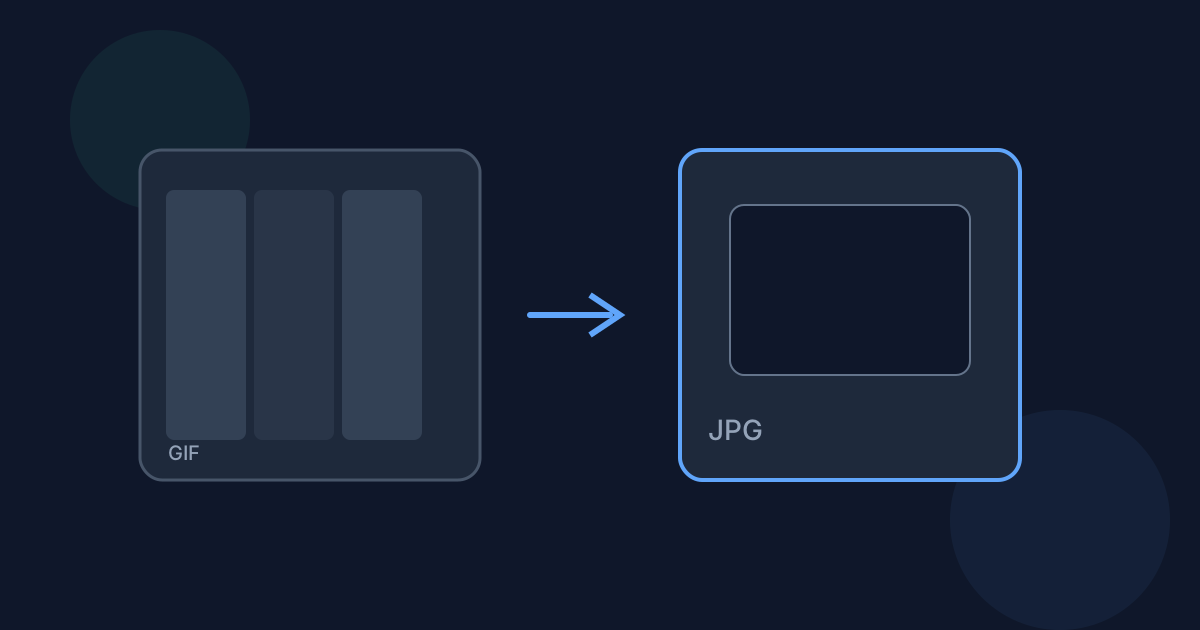
GIF favors simple animation and flat graphics with a limited color palette. JPG favors small, high-color photographic stills.
Ready to try the tool this guide describes?
Animation and color
GIF can store multiple frames for simple animation, but is limited to 256 colors per frame. JPEG has no animation support at all, but supports full photographic color depth.
Compatibility and file size
Both formats are universally supported. For photographic images, JPEG at a reasonable quality is usually far smaller than an equivalent GIF, since GIF’s limited palette is not designed for photos.
When to convert
Use /tools/gif-to-jpg when you need a single static image from a GIF — for example, a thumbnail or preview frame — and do not need the animation. Only the first frame is used; animation is never preserved.
GIF vs JPG FAQ
- Can I keep the GIF animation after converting?
- No — this converts only the first frame to a static JPG. Keep the original GIF if you need the animation.
- Where do I convert a GIF to JPG?
- Use /tools/gif-to-jpg.
- Does GIF support transparency?
- Yes, GIF supports simple transparency; JPEG does not, so it is flattened onto white.
- Are conversions local?
- Yes, on Looty Tools dedicated converters.
- Is JPG better for photos than GIF?
- Generally yes — JPEG’s full color depth and compression suit photographic images better than GIF’s limited palette.
Related guides
- Convert GIF to JPGConvert a static GIF image to JPG locally: choose the file, adjust JPEG quality, and download the result. This tool is for static GIF conversion only.
- GIF to JPG Without UploadingLearn how Looty Tools converts GIF to JPG privately in your browser using native browser image decoding, with no file upload.
- BMP vs JPGCompare BMP and JPG for file size, compression, and compatibility, and see when converting BMP to JPG is the better choice.


