File & Data
How to Convert CSV to JSON in Your Browser
JSON is the format most APIs, scripts, and modern applications expect, but data often starts out as a CSV export from a spreadsheet or database. Looty Tools CSV to JSON converts a .csv file or pasted CSV into formatted JSON entirely in your browser, using a quote-aware parser that keeps every value as a string. This guide covers the workflow, header handling, and the limits to plan around.
Ready to try the tool this guide describes?
When CSV to JSON helps
Use this tool when a spreadsheet export, database dump, or data feed is in CSV but the destination — a script, an API request body, or a JSON-only tool — expects a JSON array instead.
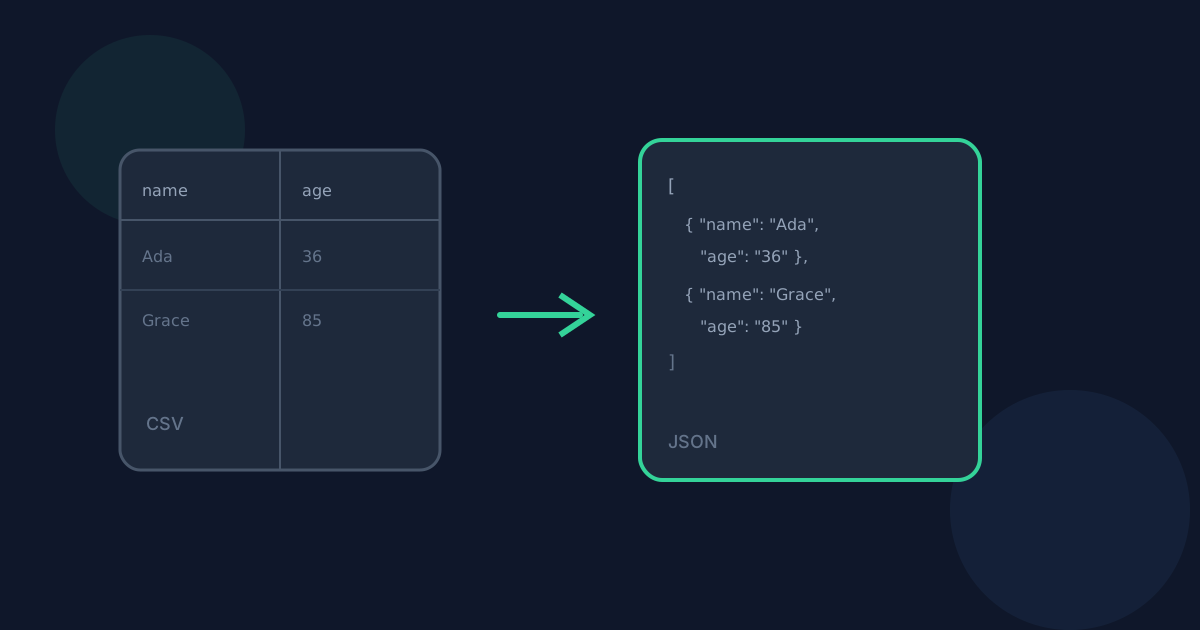
The result is one JSON file: an array of objects when the first row holds headers, or an array of arrays when it does not.
Supported inputs and limits
Provide CSV either as a .csv file up to 25 MB or as pasted text up to the same 25 MB limit. The delimiter is auto-detected from the first several rows, with a manual override for comma, semicolon, tab, or pipe.
- Supported extension: .csv
- Maximum input size: 25 MB (file or pasted text)
- Maximum output: 50,000 data rows and 500 columns
- Maximum generated JSON size: 50 MB
- One CSV input per conversion
How to convert on Looty Tools
Uploaded files download as the original basename with a .json extension (people.csv becomes people.json). Pasted CSV always downloads as converted.json, since there is no source filename to reuse.
- Open CSV to JSON at /tools/csv-to-json.
- Choose or drop a .csv file, or switch to Paste CSV and paste your text, then select Use this CSV.
- Review the detected delimiter and the table preview, and adjust the delimiter or the "First row contains headers" setting if needed.
- Select Convert to JSON to download the formatted .json file.
What to expect in the output
With headers enabled, each data row becomes one JSON object keyed by the header row, and the JSON is formatted with 2-space indentation for readability. With headers disabled, every row — including the first — becomes a plain array of string values instead.
How to Convert CSV to JSON FAQ
- Do I need to install anything to convert CSV to JSON?
- No. Conversion runs in the browser and downloads a .json file directly. No desktop software or browser extension is required.
- Can I paste CSV instead of choosing a file?
- Yes. Switch to Paste CSV, paste your text, and select Use this CSV to load it the same way a file would be loaded.
- What if my CSV uses semicolons or tabs instead of commas?
- Auto-detect inspects the first several nonblank rows and can choose comma, semicolon, tab, or pipe automatically. You can also set the delimiter manually if detection picks the wrong one.
- Can I convert multiple CSV files at once?
- Not in this release. Convert one CSV input at a time.
- Where should I read next about CSV to JSON?
- See /guides/csv-to-json-without-uploading for privacy details and /guides/csv-headers-and-data-types-to-json for how headers and value types affect the output. Open the tool at /tools/csv-to-json when you are ready.
Related guides
- CSV to JSON Without UploadingSee how browser-based CSV to JSON conversion keeps CSV data on your device, what still leaves the machine, and how local conversion differs from upload services.
- CSV Headers and Data Types to JSONUnderstand how blank and duplicate CSV headers, ragged rows, and the string-only value policy shape the JSON objects or arrays this tool produces.
- How to Convert CSV to ExcelConvert a CSV file to an Excel .xlsx workbook locally: choose delimiters, preview rows, set worksheet options, and download without uploading.


