Image guides
How to Convert Any Image to AVIF in Your Browser
Any to AVIF accepts several common image formats and converts whichever one you upload to AVIF. This guide shows how to use it, and how it differs from a dedicated single-pair converter.
Ready to try the tool this guide describes?
What you need
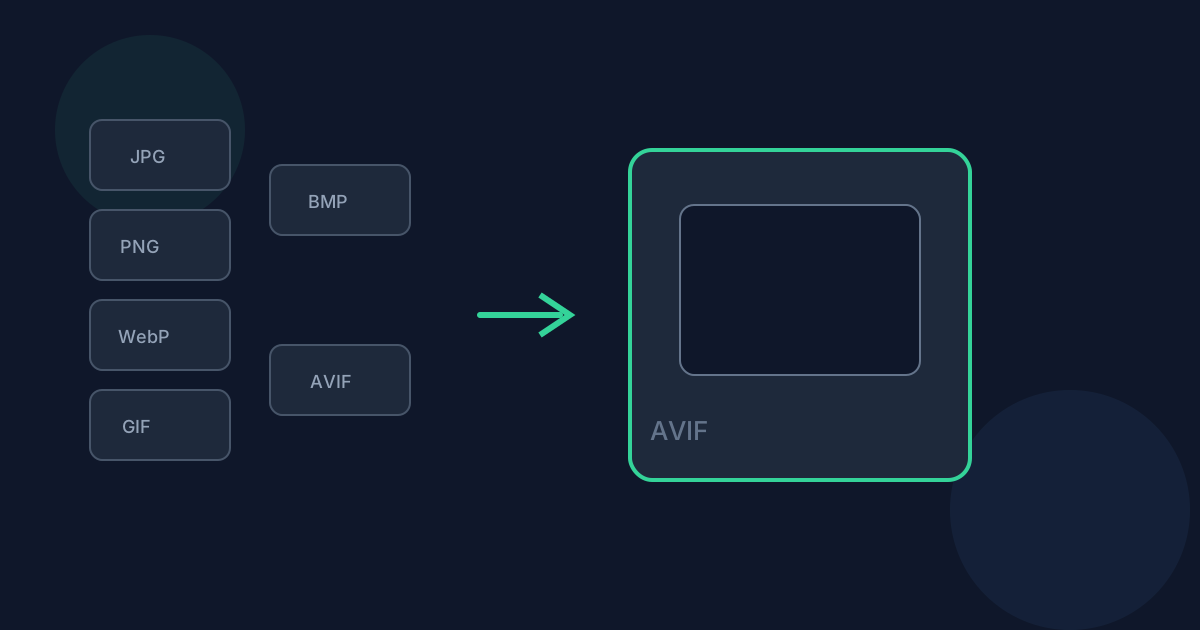
Open Any to AVIF in a modern browser. This flexible converter accepts JPG, JFIF, PNG, WebP, GIF, BMP, or AVIF files, with a 25 MB file limit and an 8,192 pixel max per side. HEIC and TIFF are not accepted.
Step-by-step conversion
Animated GIF: only the first frame is converted. Animated WebP and animated AVIF: the output is always a still image; animation is not preserved.
- Open /tools/any-to-avif.
- Choose a file in any accepted format — the real format is detected from the file content, not its name.
- Optionally adjust AVIF quality (default 90%).
- Select Convert & download and save the resulting .avif file.
Browser support
Canvas AVIF encoding is Chromium-first. The tool verifies the download is a real image/avif blob and shows a clear error on unsupported browsers instead of a mislabeled download.
Privacy
Conversion runs locally in your browser using native browser image decoding. The file is not uploaded to Looty Tools servers for this workflow.
Convert Any Image to AVIF FAQ
- How is this different from JPG to AVIF or PNG to AVIF?
- Those dedicated tools accept only one specific source format. Any to AVIF accepts several formats at once and detects which one you uploaded, which is convenient when you are not sure what a file actually is.
- Does this accept HEIC or TIFF?
- No. Use the dedicated HEIC to JPG/PNG/WebP or TIFF to JPG/PNG converters for those formats, then convert the result to AVIF if needed.
- What happens to transparency?
- Transparency is kept when the source has an alpha channel and the browser AVIF encoder supports it. This tool does not flatten onto an arbitrary background.
- Can every browser create AVIF?
- No. Canvas AVIF encoding is Chromium-first today. Unsupported browsers get a clear error instead of a mislabeled download.
- Are my files uploaded?
- No. Conversion runs locally in your browser and does not upload your file to Looty Tools servers.
Related guides
- Convert Any Image to JPGConvert JPG, JFIF, PNG, WebP, GIF, BMP, or AVIF images to JPG locally: choose a file of any accepted format, adjust JPEG quality, and download the result.
- Convert Any Image to PNGConvert JPG, JFIF, PNG, WebP, GIF, BMP, or AVIF images to lossless PNG locally: choose a file of any accepted format and download the result.
- Convert Images Without UploadingLearn what browser-local image conversion means on Looty Tools, what stays on your device, and how Image Converter avoids a conversion upload.


