Text & writing
Find and Replace in Word, Google Docs, and VS Code
Most programs that handle text have a find and replace feature, but the shortcuts, options, and special codes differ. This guide collects the essentials for the programs people use most, including how each one handles line breaks and wildcards.
Ready to try the tool this guide describes?
Microsoft Word
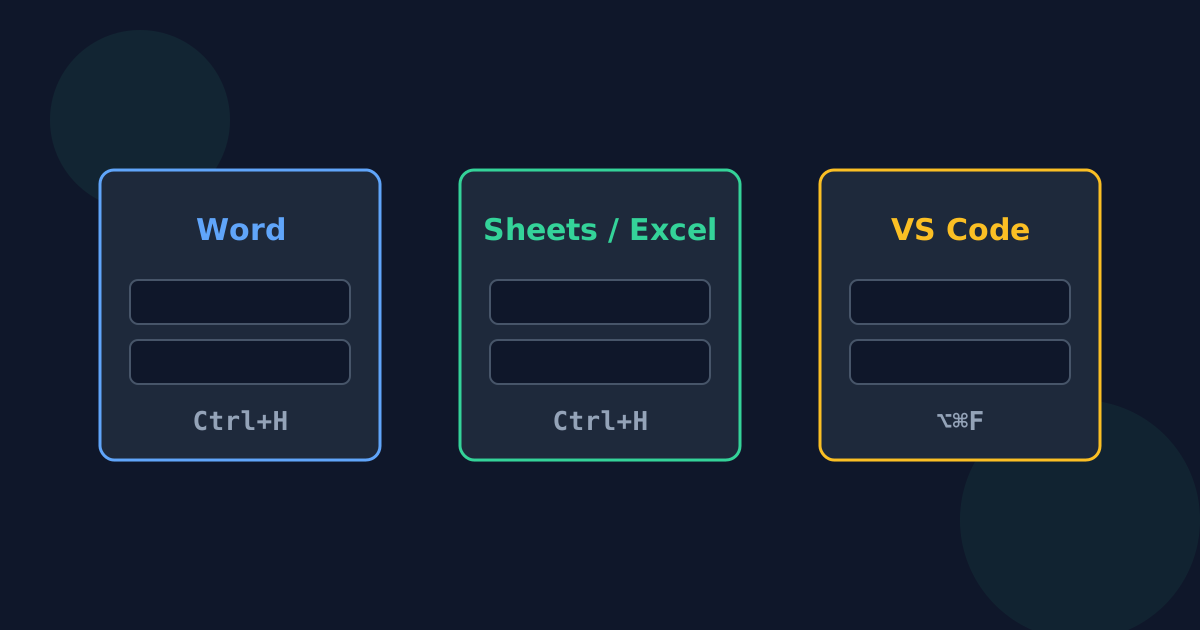
- Open it with Ctrl+H on Windows, or Edit → Find → Replace on a Mac.
- More → Match case and Find whole words only narrow the search.
- Special codes insert invisible characters: ^p for a paragraph break and ^t for a tab.
- “Use wildcards” turns on Word’s own pattern language, which is similar to — but not the same as — standard regular expressions.
Google Docs and Google Sheets
- Docs: Ctrl+H on Windows and ChromeOS, or Cmd+Shift+H on a Mac.
- Options include Match case and “Match using regular expressions”.
- Sheets: Ctrl+H (Cmd+Shift+H on a Mac) can search a single sheet, all sheets, or a range, and can also search inside formulas.
Excel
Ctrl+H opens Replace. Excel treats * and ? as wildcards, so to find a real asterisk or question mark put a tilde in front: ~* or ~?. Options let you match the entire cell contents or search formulas versus values.
Code editors such as VS Code
Ctrl+H on Windows and Linux, or Cmd+Option+F on a Mac, opens replace in the current file; the search panel replaces across a whole folder. Toggle buttons switch on case matching, whole words, and regular expressions, and VS Code can also preserve the case of each match.
When a separate tool helps
Web forms, chat apps, and many online editors have no replace feature at all. Copying the text into a plain-text find and replace tool, fixing it, and pasting it back works anywhere — and plain-text matching avoids surprises from wildcards.
Find and Replace in Word and Docs FAQ
- What is the find and replace shortcut in Word?
- Ctrl+H on Windows. On a Mac, use Edit → Find → Replace.
- How do I replace a line break in Word?
- Use ^p in the Find or Replace box for a paragraph break, and ^l for a manual line break.
- Does Google Docs support regular expressions?
- Yes. Tick “Match using regular expressions” in the Find and replace dialog.
- How do I find an asterisk in Excel?
- Search for ~* — the tilde tells Excel to treat the asterisk literally instead of as a wildcard.
- Can I replace text across many files at once?
- Code editors such as VS Code can search and replace across a whole folder. Word and Google Docs work one document at a time.
Related guides
- Literal vs. Regex ReplaceWhy a full stop can match every character, what $1 does in a replacement, and when plain-text find and replace is safer than regular expressions.
- Find and Replace MistakesCommon Replace All mistakes — matching inside longer words, losing capitals, swapping two words, repeated runs, and lookalike characters — and their fixes.
Open the tool
Jump into Find and Replace Text when you are ready to process your files.
