Text & writing
Why Duplicate Lines Appear in Text and Lists
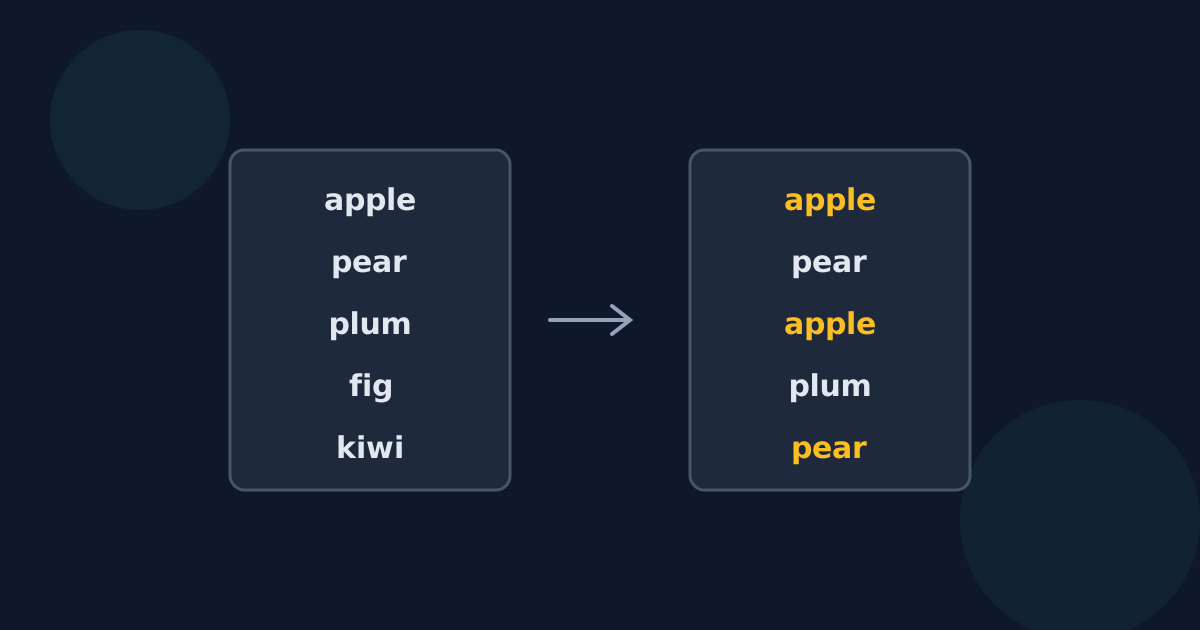
Duplicate lines rarely come from someone typing the same thing twice on purpose. They build up when lists are combined, copied, or exported repeatedly. Knowing where they come from helps you decide whether removing them is safe — and whether a duplicate might actually mean something.
Ready to try the tool this guide describes?
Common sources of duplicates
- Merging lists: combining mailing lists, keyword lists, or inventories from several sources repeats the entries they share.
- Copying twice: pasting a block again after an interruption, or copying overlapping ranges.
- Repeated exports: exporting the same records on different days and joining the files.
- Logs and reports: the same event or message recorded many times.
- Double form submissions: a person submitting a form twice.
When duplicates are meaningful
Sometimes a repeated line is information, not noise. A list of orders can legitimately contain the same product twice; a log can show an error repeating; a vote tally depends on every repeated entry. Before removing duplicates, decide whether you want one copy of each distinct value or whether you need the count.
Which copy to keep
Most tools keep the first occurrence and remove later ones, so the order in which items first appeared is preserved. If the order does not matter, you can sort the list afterwards to make it easier to scan.
Lines that look the same but are not
Two lines can look identical and still differ — by capitalization, a trailing space, or an invisible character. Exact matching treats them as different lines. Clean up spacing first, or use options that ignore case or edge spaces, if you want them treated as duplicates.
Why Duplicate Lines Appear FAQ
- Why does my merged list have duplicates?
- Lists from different sources usually share some entries, and combining them repeats those entries.
- Is it always safe to remove duplicates?
- No. If each line represents an event or an order, repeats may be meaningful. Remove duplicates only when you need each distinct value once.
- Which duplicate is kept?
- Most tools, including Looty Tools, keep the first occurrence and preserve the original order.
- Why were two identical-looking lines not removed?
- They probably differ by capitalization, a trailing space, or an invisible character, so they are not exact matches.
- Should I sort before or after removing duplicates?
- Either works. Removing duplicates first keeps the first-seen order; sorting afterwards puts the unique lines in alphabetical order.
Related guides
- Exact vs. Near-Duplicate LinesWhy lines that look identical may not match: capitalization, trailing spaces, non-breaking and zero-width characters, and Unicode normalization.
- Duplicate Rows vs. LinesThe difference between removing duplicate lines from text and duplicate rows from a spreadsheet, why CSV files need care, and which approach to use.
Open the tool
Jump into Remove Duplicate Lines when you are ready to process your files.
