Text & writing
Lowercasing Text to Compare and Clean Data
Computers treat “Apple” and “apple” as different strings. When you compare lists, remove duplicates, or match user input, that difference usually is not what you want. Lowercasing both sides is the common fix — but it has edge cases, especially outside English. This guide explains case-insensitive comparison, where simple lowercasing falls short, and how spreadsheets and code handle it.
Ready to try the tool this guide describes?
Why lowercase before comparing
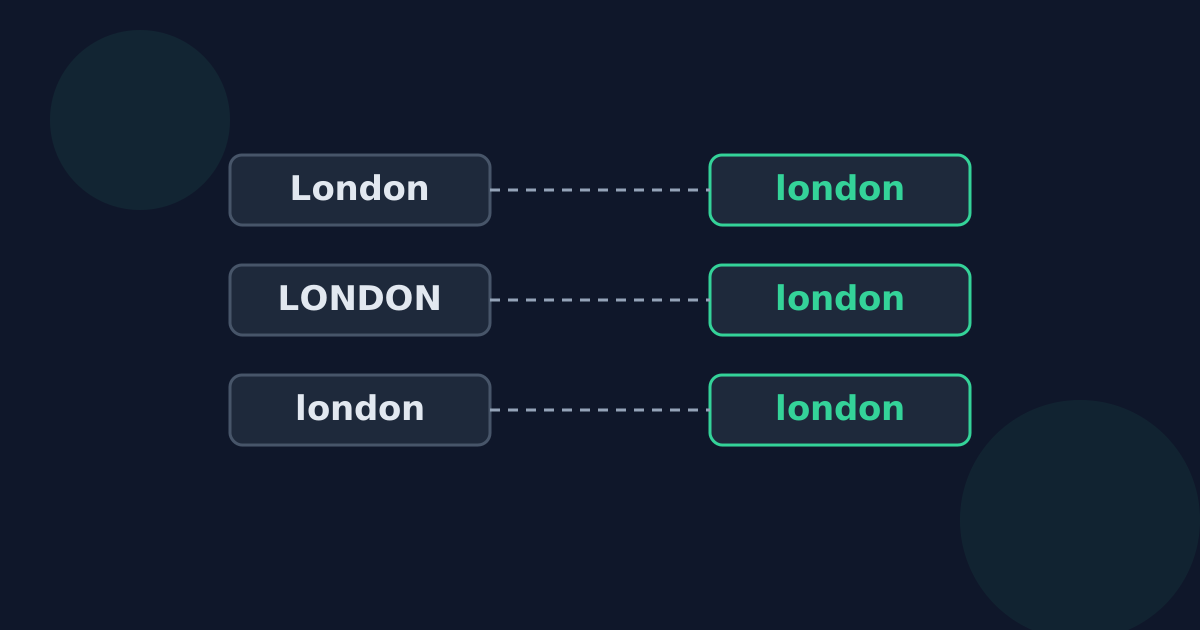
Data typed by different people rarely has consistent capitalization: “London”, “LONDON”, and “london” all mean the same city. Converting everything to lowercase before comparing, sorting, or removing duplicates makes those entries match, while keeping a copy of the original values for display.
Lowercasing vs. case folding
Simple lowercasing is not always enough. The German “ß” is already lowercase, but its uppercase form is “SS”, so “straße” and “STRASSE” still differ after lowercasing: they become “straße” and “strasse”.
Unicode defines case folding for exactly this purpose: a transformation meant to remove case differences for caseless matching. Python’s str.casefold(), for example, is documented as converting “ß” to “ss”, so both words above match. Where a programming language offers case folding or a case-insensitive comparison option, prefer it over plain lowercasing.
Language-specific pitfalls
- Turkish and Azerbaijani have dotted and dotless i (i/İ and ı/I). Default lowercasing turns I into i, which is wrong in Turkish; locale-aware functions such as JavaScript’s toLocaleLowerCase("tr") handle this.
- Greek has a separate final form of sigma (ς). Standard lowercasing chooses it at the end of a word, but comparison code should not assume one sigma form.
- Accents are a separate issue from case: “cafe” and “café” still differ after lowercasing. Ignoring accents requires a different kind of comparison.
In spreadsheets
- LOWER() and UPPER() convert text in Excel and Google Sheets, which is useful for building a clean comparison column.
- In Excel, the = comparison ignores case, while the EXACT() function is documented by Microsoft as case-sensitive — use EXACT when case must match.
- Keep the original column: lowercasing is lossy, and you usually want to display the original capitalization.
Lowercase for Comparing Text FAQ
- How do I compare two lists while ignoring case?
- Convert both to lowercase (or use a case-insensitive comparison) before matching, and keep the original values for display.
- What is case folding?
- A Unicode transformation designed to remove case differences for matching. It handles cases like the German ß, which plain lowercasing leaves unchanged.
- Is Excel’s = comparison case-sensitive?
- No. Use the EXACT function, which Microsoft documents as case-sensitive, when capitalization must match.
- Why does Turkish text lowercase incorrectly?
- Turkish has dotted and dotless forms of i. Default lowercasing maps I to i; Turkish requires ı, which locale-aware functions provide.
- Does lowercasing remove accents?
- No. “Café” becomes “café”, not “cafe”. Removing accents is a separate step.
Related guides
- When Text Should Be LowercaseWhere lowercase is the safe default — URL slugs, email addresses, usernames, tags, and file names — which parts are case-sensitive, and when lowercase is the wrong choice.
- Lowercase in Branding and StyleWhy designers and writers choose lowercase for logos, names, and interface text, the tradeoffs, and how to handle stylized lowercase names in your own writing.
Open the tool
Jump into lowercase Converter when you are ready to process your files.
