Image guides
JFIF vs JPG: What Is the Difference?
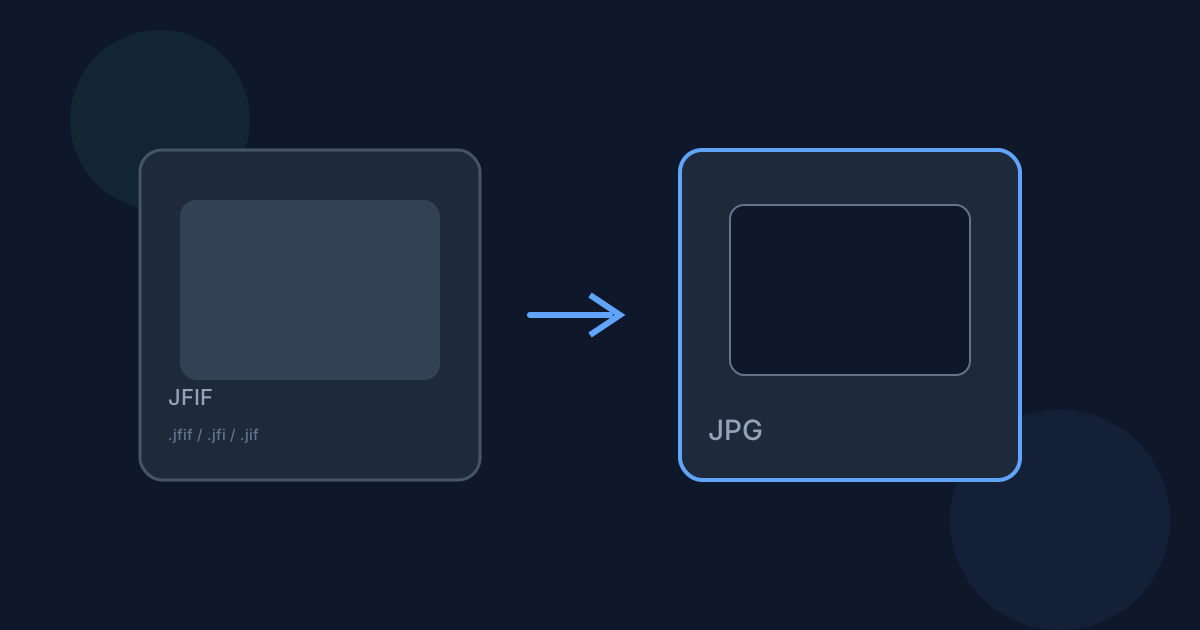
JFIF and JPG are closely related: JFIF is a specification for storing JPEG image data, not a competing compression format.
Ready to try the tool this guide describes?
What JFIF actually is
JFIF (JPEG File Interchange Format) defines how JPEG-compressed image data is packaged into a file, including a standard APP0 marker segment. Most files people call "JPEG" are technically JFIF files.
Why the extension matters anyway
Some cameras, browsers, and image editors save files with a .jfif, .jfi, or .jif extension instead of .jpg or .jpeg. Software that only checks the file extension can reject these files even though the image data is standard JPEG.
When to convert
Use /tools/jfif-to-jpg when an upload form, app, or workflow rejects .jfif files and you need the same image saved with a .jpg extension.
JFIF vs JPG FAQ
- Is a JFIF file lower quality than a JPG?
- No — JFIF and JPG use the same JPEG compression. The extension does not affect image quality.
- Where do I convert JFIF to JPG?
- Use /tools/jfif-to-jpg.
- Does JFIF support transparency?
- No — like JPEG, JFIF has no alpha channel.
- Are conversions local?
- Yes, on Looty Tools dedicated converters.
- Will converting JFIF to JPG lose quality?
- The source is already JPEG-compressed and this tool re-encodes it, so a high quality setting keeps the result close to the original.
Related guides
- Convert JFIF to JPGConvert a .jfif file to a standard .jpg file locally: choose the file, optionally adjust JPEG quality, and download the result.
- JFIF to JPG Without UploadingLearn how Looty Tools converts JFIF to JPG privately in your browser using native browser image decoding, with no file upload.
- Convert PNG to JPGConvert a PNG image to JPG locally: choose the file, set JPEG quality, and download without uploading the image.


