File & Data
How XML Elements, Attributes, and Arrays Map to JSON
The XML to JSON mapper uses stable conventions so the same document always produces the same JSON shape.
Ready to try the tool this guide describes?
@attributes
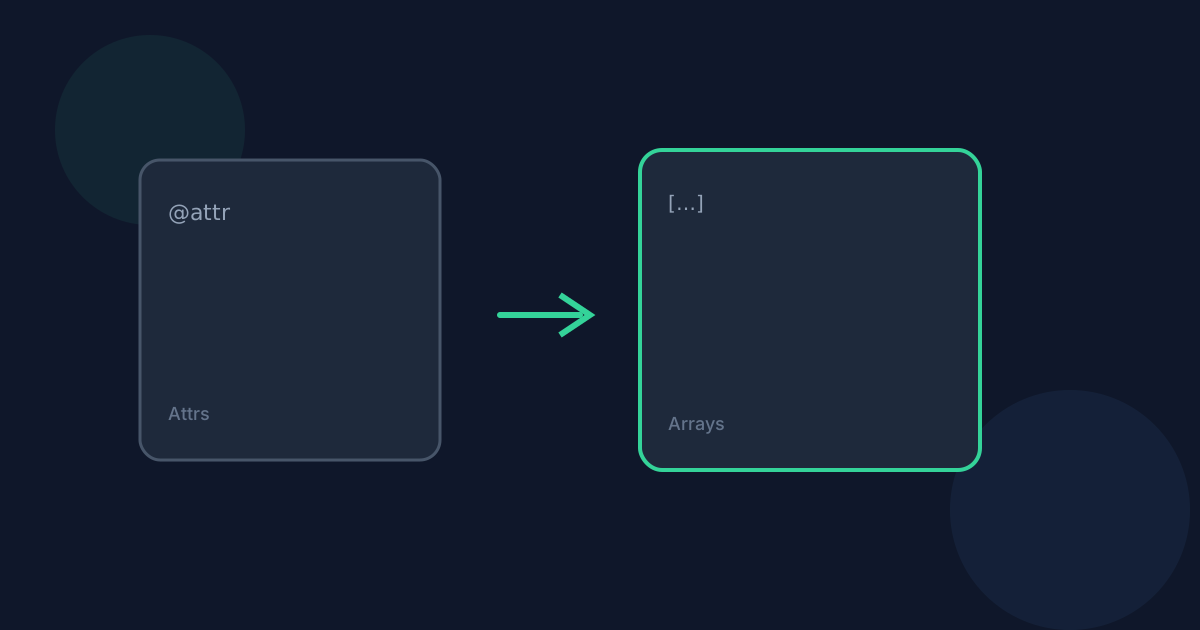
Every XML attribute is copied into an @attributes object with string values.
#text
When an element has attributes or child elements and also has text, the text is stored under #text.
Repeated siblings
Two or more sibling elements with the same name become a JSON array. A single sibling stays a normal value.
Namespaces
Element keys use the DOM nodeName, which preserves prefixes such as ns:tag. xmlns declarations appear under @attributes when present.
XML Elements Attributes Arrays to JSON FAQ
- Are numbers inferred?
- No. Element text stays a JSON string, so 0 and false remain text.
- What about empty elements?
- An empty element with no attributes becomes an empty string.
- Is processing private?
- Yes. Conversion runs locally in your browser and files are not uploaded to Looty Tools servers for this workflow.
- What file size limit applies?
- Inputs must be 25 MB or smaller unless a tool-specific limit says otherwise.
- Can I copy the result?
- Yes. After a successful conversion you can copy the output text or download the file.
Related guides
- How to Convert XML to JSONConvert XML into formatted JSON locally with a deterministic mapping for elements, attributes, and repeated siblings.
- XML to JSON Without UploadingSee how browser-based XML to JSON keeps documents on your device, including DOCTYPE rejection and UTF-8-only rules.
- How to Convert JSON to XMLConvert a .json file or pasted JSON into a formatted .xml document locally: choose a root element name, review the preview, and download without uploading.


