Work, pay & shifts
How to Find Your Work Days on a 4-On-4-Off Rotation
Will you be working on a holiday three months from now? On a 4-on-4-off rotation you can answer that for any date with one known work day and a little division — no calendar app required. This guide shows the day-of-cycle method, a worked example, how to count backward, a spreadsheet formula, and the off-by-one mistakes to watch for.
Ready to try the tool this guide describes?
What you need
One date you know was the first day of a 4-day work stretch — “work day 1.” Every other date can be placed in the rotation from that one.
The day-of-cycle method
- Count the days from your known work day 1 to the date you want. Don’t count the starting day itself: the next day is 1.
- Divide by 8 and keep the remainder.
- Remainders 0, 1, 2, and 3 are work days 1 to 4. Remainders 4, 5, 6, and 7 are off days 1 to 4.
A worked example
Your known work day 1 is Thursday, October 1, 2026.
| Date | Days after Oct 1 | Remainder ÷ 8 | Result |
|---|---|---|---|
| Thursday, November 26, 2026 | 56 | 0 | Work day 1 |
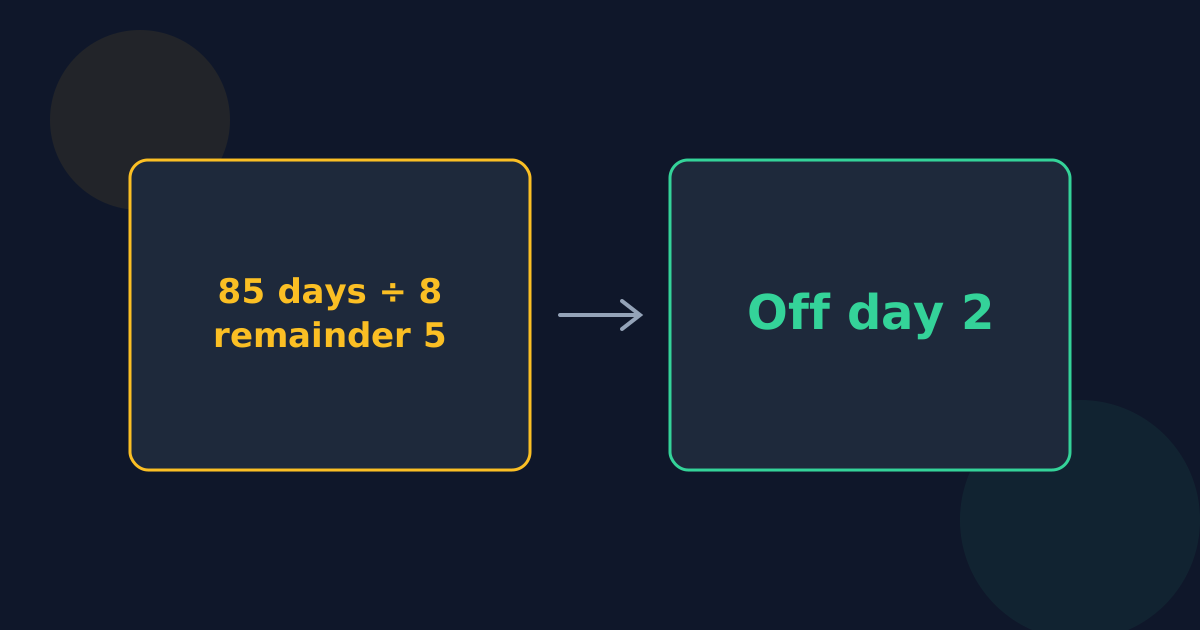
| Friday, December 25, 2026 | 85 | 5 | Off day 2 |
| Friday, January 1, 2027 | 92 | 4 | Off day 1 |
Counting backward
For a date before your known work day, the day count is negative. Add 8 until it is between 0 and 7. Sunday, September 20, 2026 is 11 days before October 1: −11 + 16 = 5, so it was off day 2.
In a spreadsheet
Put the date to check in A2. =MOD(A2 − DATE(2026,10,1), 8) gives the remainder, and =IF(MOD(A2 − DATE(2026,10,1), 8) < 4, "Work", "Off") labels it. MOD in spreadsheets already returns 0 to 7 for earlier dates, so counting backward works too.
Common mistakes
- Counting the known day as day 1 of the count instead of day 0 shifts every answer by one day.
- Using a “work day 2” or “off day” as the anchor without adjusting: if your known date is work day 3, subtract 2 days to find work day 1 first.
- Worrying about daylight saving time: you are counting calendar dates, so clock changes don’t matter.
Finding 4-On-4-Off Work Days FAQ
- How do I know if I work on a certain date on 4 on 4 off?
- Count the days from a known first work day to that date, divide by 8, and look at the remainder: 0 to 3 is a work day, 4 to 7 is a day off.
- Am I working on Christmas 2026 if October 1 was work day 1?
- No. December 25 is 85 days later; 85 ÷ 8 leaves 5, which is off day 2.
- How do I check a date before my known work day?
- Use the negative day count and add 8 until it is 0 to 7. Eleven days earlier gives −11 + 16 = 5, off day 2.
- What spreadsheet formula finds 4-on-4-off work days?
- =IF(MOD(date − first_work_day, 8) < 4, "Work", "Off"), with first_work_day being any known work day 1.
- Can a calculator list my work days instead?
- Yes. The 4-On-4-Off Work Schedule Calculator lists your next stretches of work and time off with their dates.
Related guides
- 4-On-4-Off ExplainedHow the 8-day 4-on-4-off cycle works, why your days off move one weekday each cycle, how often weekends fall off, and typical weekly hours.
- 4-On-4-Off Hours per YearThe average and exact work days and hours in a year on 4 on, 4 off, why the count is 181 to 184 days, leap years, and a comparison with 2,080 hours.
Open the tool
Jump into 4-On-4-Off Work Schedule Calculator when you are ready to process your files.
