Image guides
How to Convert BMP to PNG in Your Browser
Both BMP and PNG can store an image without discarding detail, so converting between them is really about compression and compatibility, not quality. This guide covers what actually changes in the file and when PNG is the better target than BMP.
Ready to try the tool this guide describes?
How BMP becomes PNG
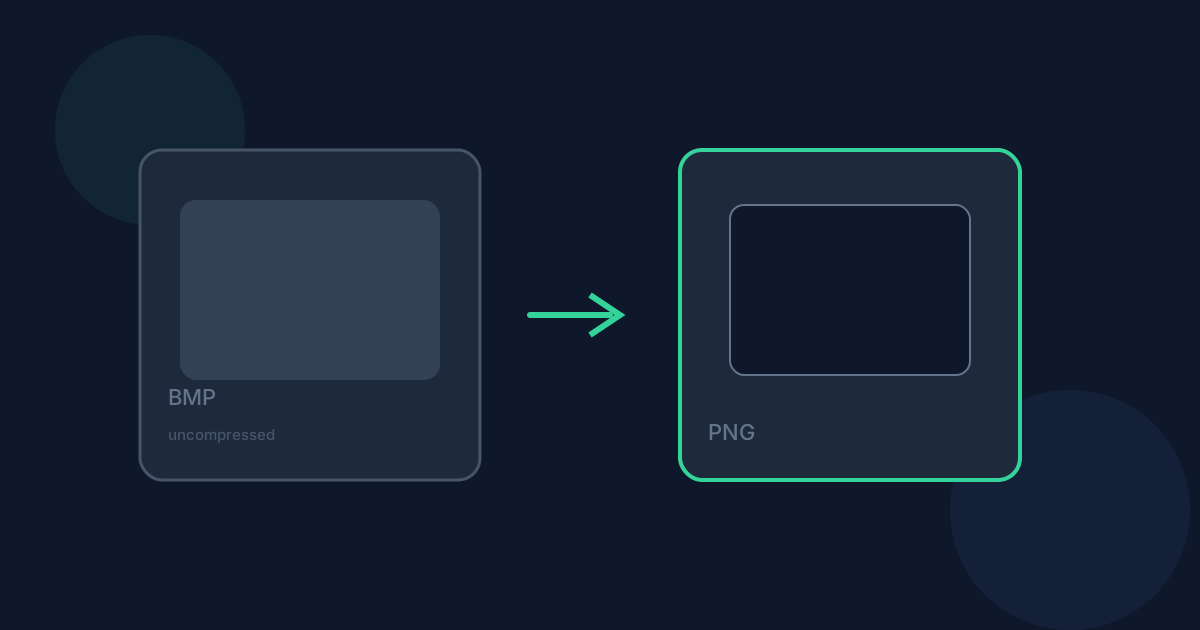
The browser’s native decoder reads the uncompressed bitmap data — and any alpha channel a less-common BMP variant happens to include — then re-encodes it losslessly using PNG’s deflate compression.
What changes when you convert
Nothing about image quality is lost: both steps are lossless, so pixels stay exactly as they were. File size moves in PNG’s favor for most images, sometimes substantially, though how much depends entirely on the image content rather than a fixed ratio. Transparency only carries through if the source BMP actually had an alpha channel, which most everyday BMP files don’t.
When PNG is the right choice — and when it isn’t
PNG is the better everyday target whenever you want a smaller, losslessly compressed file that opens reliably in browsers, design tools, and modern software generally — which is most of the time. Keep the BMP only if a specific legacy tool or pipeline still requires that exact uncompressed format.
Limitations and privacy
This works entirely with the browser’s built-in image support — no BMP-specific library download is needed. Conversion runs locally in your browser; the file is not uploaded to Looty Tools servers.
Convert BMP to PNG FAQ
- Is any image quality lost converting BMP to PNG?
- No. Both the BMP read and the PNG write here are lossless.
- Will the PNG definitely be smaller?
- Usually, but it depends on the image — highly detailed images compress less than simple graphics or flat-color content.
- Does my BMP have transparency to begin with?
- Only if it’s an unusual variant that stores alpha, which most everyday BMP files don’t.
- Do I need a special BMP decoder installed?
- No. Browsers read BMP natively, so no extra library download is required.
- Is my file uploaded anywhere?
- No. Conversion runs locally in your browser and does not upload your file to Looty Tools servers.
Related guides
- BMP vs PNGCompare BMP and PNG for file size, compression, and everyday use cases, and see when converting BMP to PNG is the better choice.
- BMP to PNG Without UploadingLearn how Looty Tools converts BMP to PNG privately in your browser using native browser image decoding, with no file upload.
- Convert BMP to JPGConvert a BMP (bitmap) image to JPG locally: choose the file, adjust JPEG quality, and download a much smaller image.


