File & Data
How CSV Columns and Rows Map to XML
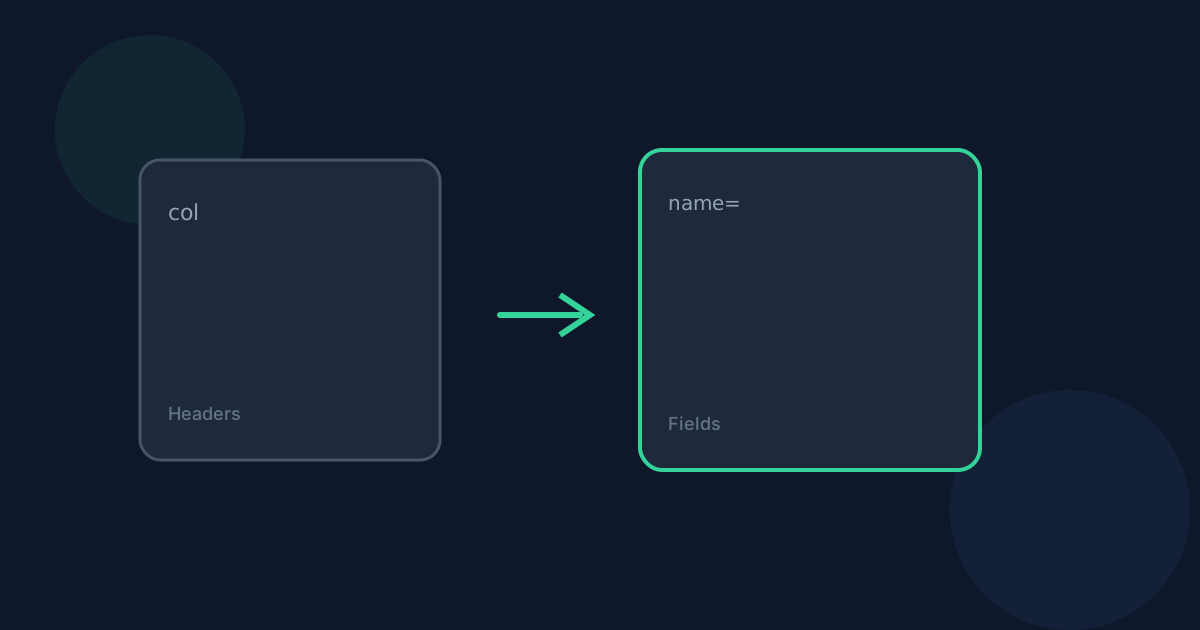
CSV columns become field name attributes and each data row becomes an XML row element.
Ready to try the tool this guide describes?
Normalized headers
Blank headers become column_N using the same normalization spirit as CSV to JSON. The label is written to the name attribute, never as a raw element name.
Ragged rows
Missing cells become empty fields. Extra cells extend the column width with deterministic column_N headers.
Blank rows
Blank rows are preserved according to the shared CSV normalization rules rather than being silently removed.
CSV Columns and Rows to XML FAQ
- Is the XML structure the same as Excel to XML?
- Yes. Both tools use the shared tabular XML serializer.
- Is processing private?
- Yes. Conversion runs locally in your browser and files are not uploaded to Looty Tools servers for this workflow.
- What file size limit applies?
- Inputs must be 25 MB or smaller unless a tool-specific limit says otherwise.
- Can I copy the result?
- Yes. After a successful conversion you can copy the output text or download the file.
- Does the tool validate schemas?
- No. This converter does not generate or validate XSD schemas.
Related guides
- How to Convert CSV to XMLConvert CSV into row-oriented UTF-8 XML locally: choose delimiter and headers, review the preview, then copy or download.
- CSV to XML Without UploadingSee how browser-based CSV to XML keeps data on your device and how local conversion differs from upload services.
- How to Convert CSV to JSONConvert a .csv file or pasted CSV into formatted JSON locally: choose the delimiter and header handling, review the preview, and download without uploading.


