File & Data
How to Convert CSV to Excel Without Uploading Your File
Many online converters ask you to upload spreadsheets to a remote server. Looty Tools CSV to Excel is built for local conversion: the CSV stays in the browser while SheetJS builds the workbook on your device. This guide explains what that means in practice and what it does not promise.
Ready to try the tool this guide describes?
What “without uploading” means here
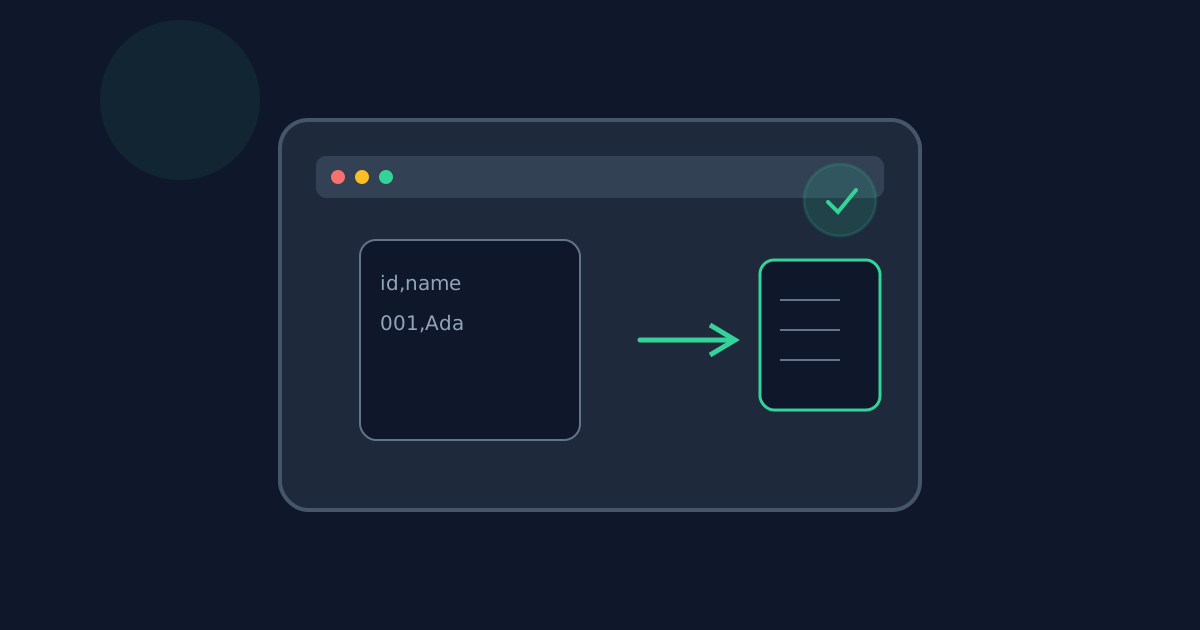
When you open a CSV in this tool, the browser reads the file bytes in memory. Parsing and .xlsx generation run client-side. The download is a local Blob. There is no Looty Tools conversion endpoint that receives your CSV contents for this workflow.
Your CSV file is processed locally in your browser and is not uploaded to our servers.
What can still leave the device
Page assets, analytics, authentication, or usage counters may still use the network as they do on other Looty Tools pages. Those channels are not used to send your CSV table contents for conversion.
If you later email, sync, or upload the downloaded .xlsx yourself, that is outside this tool’s conversion path.
How local conversion compares to upload services
Upload-based converters send the full file to a remote worker, which can be convenient for huge server-side jobs but expands the trust boundary. Browser-only conversion keeps the table on-device and is limited by browser memory.
- Local: file bytes stay in the browser during conversion.
- Upload services: the provider receives and temporarily stores the file.
- Large CSVs may fail on low-memory devices even when privacy is preferred.
Practical checklist
- Open /tools/csv-to-excel on a modern browser.
- Confirm the privacy line on the tool page before choosing a file.
- Convert and download the .xlsx without signing in for the conversion itself.
- Review the downloaded workbook on your device before sharing it elsewhere.
CSV to Excel Without Uploading FAQ
- Is my CSV uploaded to Looty Tools during conversion?
- No. For this tool, CSV contents are not uploaded to Looty Tools for conversion.
- Does local conversion work offline after the page loads?
- Once the page and libraries are loaded, conversion does not need a conversion API. A full offline guarantee depends on the browser cache and whether other site features need the network.
- What network activity can still happen on the page?
- Page assets, analytics, authentication, or usage counters may still use the network as they do on other Looty Tools pages. Those channels are not used to send your CSV table contents for conversion.
- How does this differ from upload-based converters?
- Upload services receive the full file on a remote worker. Browser-only conversion keeps the table on-device and is limited by browser memory instead.
- Where else should I read about private CSV conversion?
- See /guides/how-to-convert-csv-to-excel for the step-by-step workflow and /guides/preserve-leading-zeros-csv-to-excel for text-preservation tips.
Related guides
- How to Convert CSV to ExcelConvert a CSV file to an Excel .xlsx workbook locally: choose delimiters, preview rows, set worksheet options, and download without uploading.
- Preserve Leading Zeros in CSV to ExcelKeep ZIP codes, account IDs, and other padded values intact when converting CSV to Excel by enabling preserve-as-text mode before download.
- Browser-Based File PrivacyUnderstand local browser processing, when files stay on your device, practical privacy checks, and how Looty Tools discloses different processing models.


