PDF guides
Text to PDF: Supported Characters and Languages
Text to PDF embeds a real font into every PDF it creates so the text stays genuinely selectable and searchable. That font has a defined set of characters it can draw. This guide explains exactly what is supported and what happens with anything outside that set.
Ready to try the tool this guide describes?
What is supported
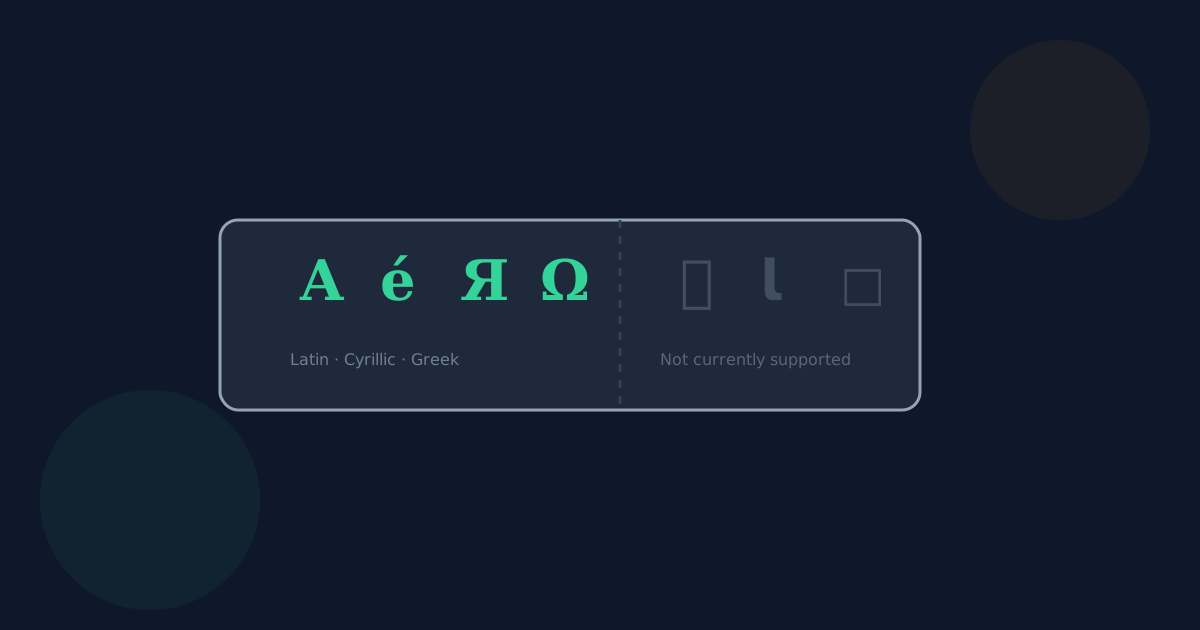
- Latin script, including accented characters used across Western, Central, and Northern European languages (é, ñ, ü, ç, and similar).
- Greek script.
- Cyrillic script, covering languages such as Russian, Ukrainian, Bulgarian, and Serbian.
- Common punctuation, currency symbols, and typographic characters such as smart quotes and em dashes.
What is not currently supported
The embedded font does not currently include glyphs for every script in Unicode. When it encounters a character it cannot draw, it substitutes a visible placeholder character (□) rather than crashing, silently dropping the character, or mangling the surrounding text.
- CJK scripts — Chinese, Japanese, and Korean characters.
- Arabic and Hebrew, which are also right-to-left scripts this tool does not lay out.
- Emoji.
How substitution is signaled
If any character in your text is substituted, the tool shows a clear notice after conversion, so you know to check the output rather than assuming everything converted as typed.
Text to PDF Supported Characters FAQ
- What happens if I paste Chinese or Japanese text?
- Those characters are not currently supported by the embedded font. Each unsupported character is replaced with a visible □ placeholder, and the tool tells you this happened.
- Are accented European characters supported?
- Yes — Latin script with accents (like é, ñ, ü, and ç) used across most European languages is fully supported.
- Is Russian or Ukrainian text supported?
- Yes. Cyrillic script is supported by the embedded font.
- Will my document fail to convert if it has unsupported characters?
- No. Conversion still completes; only the specific unsupported characters are replaced with a placeholder, and you are notified.
- Where does the substitution character (□) come from?
- It is a deliberate, visible placeholder chosen so an unsupported character is obvious in the output rather than silently disappearing or corrupting nearby text.
Related guides
- How to Convert Text to PDFTurn typed or pasted text into a real, selectable PDF in your browser. Covers how-to steps, formatting options, and pagination.
- Text to PDF Without UploadingHow Text to PDF builds your PDF entirely in the browser, with no upload to Looty Tools, and why that matters for sensitive notes.
- Scanned PDFs and PDF to WordWhy scanned or image-only PDFs have no extractable text, how PDF to Word detects them up front, and why this tool does not perform OCR.


