Text & writing
Small Caps vs. All Caps: What’s the Difference?
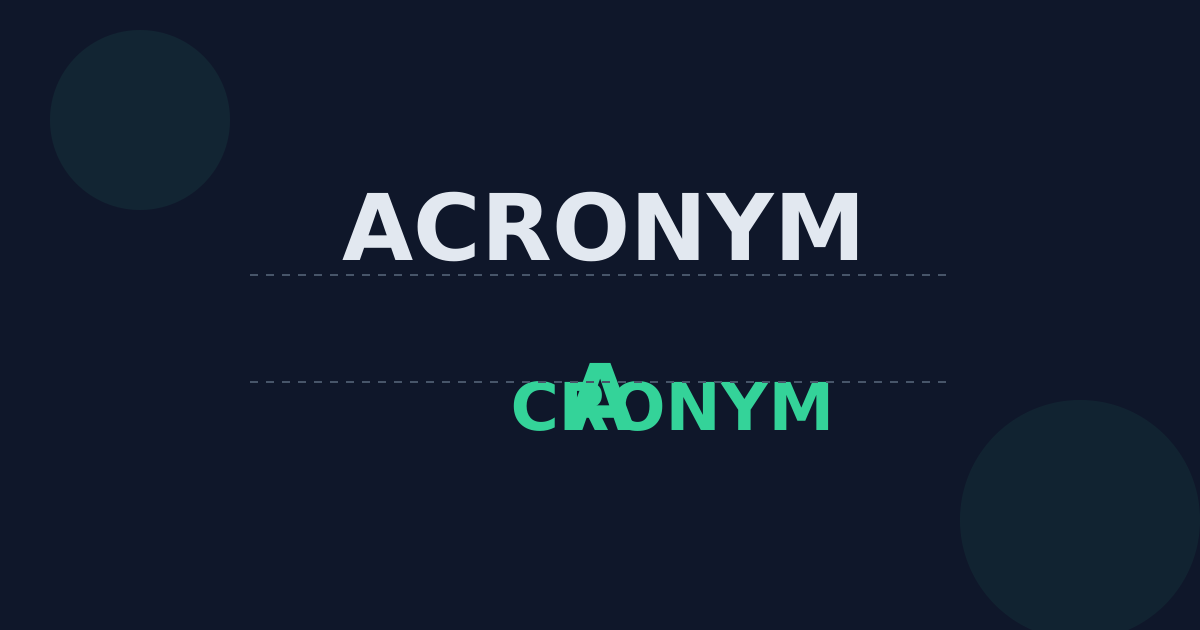
Small caps look like capital letters but are drawn at roughly the height of lowercase letters. They let typographers set abbreviations and short phrases in capital form without the heavy, shouting look of full capitals. This guide explains the difference, where small caps are typically used, and how they work in word processors and on the web.
Ready to try the tool this guide describes?
The difference at a glance
| Style | What it looks like | What changes |
|---|---|---|
| All caps | NASA LAUNCH | Every letter is a full-height capital. |
| Small caps | Capital-shaped letters at lowercase height | Lowercase letters are replaced by small capitals; typed capitals stay full height. |
| All small caps | Every letter as a small capital | Both upper- and lowercase letters become small capitals. |
Where small caps are typically used
- Acronyms in running text, so a paragraph full of abbreviations does not look dominated by capitals.
- The first few words of a chapter or section, a traditional book-typography flourish.
- Some abbreviations such as era designations and times of day, where a style or publisher prefers them.
- Legal and formal documents, for defined terms or headings, depending on house style.
True small caps vs. imitations
Well-designed fonts include purpose-drawn small-capital letters whose strokes match the weight of the surrounding text. When a font does not include them, software imitates small caps by shrinking ordinary capitals, which makes them look lighter and thinner than the letters around them.
On the web, the CSS property font-variant-caps controls this. According to MDN’s documentation, small-caps uses the font’s small-capital glyphs, all-small-caps converts both upper- and lowercase letters, and if the font has no small-capital glyphs the browser synthesizes them from the uppercase glyphs.
Small caps in everyday tools
- Google Docs offers small caps under Format → Text → Capitalization.
- Many word processors and design apps include a small caps option in their font settings.
- Small caps are a display style: the underlying text is unchanged, so copying it gives you the letters as they were typed.
Small Caps vs. All Caps FAQ
- What are small caps?
- Capital-shaped letters drawn at about the height of lowercase letters, used to set text in capital form without full-size capitals.
- Are small caps the same as a smaller font size?
- No. Shrinking ordinary capitals makes their strokes thinner than the surrounding text. True small caps are designed to match the weight of the normal letters.
- How do I use small caps on a website?
- With the CSS property font-variant-caps (or font-variant: small-caps). If the font lacks small-capital glyphs, the browser synthesizes them.
- Does converting text to uppercase give me small caps?
- No. Uppercase conversion changes the letters themselves to full capitals. Small caps are a formatting style applied on top of normal text.
- When should I use small caps instead of all caps?
- When capital forms appear inside running text — for example, a series of acronyms — and full capitals would make the paragraph look heavy.
Related guides
- When to Use All CapsWhere all caps works — acronyms, codes, short labels, warnings, and legally conspicuous contract terms — where it does not, and better ways to add emphasis.
- All Caps and AccessibilityWhat dyslexia and plain-language guidance says about capitals, how CSS text-transform differs from typed capitals, and how screen readers can announce capital letters.
Open the tool
Jump into UPPERCASE Converter when you are ready to process your files.
