Calculators & everyday math
Percentage Change From Zero or a Negative Number
The percentage change formula divides by the starting value, and that one fact causes two awkward cases: a start of 0, where there is no answer at all, and a negative start, where the answer’s sign can point the wrong way. This guide explains both and how to report such changes honestly.
Ready to try the tool this guide describes?
Why change from zero is undefined
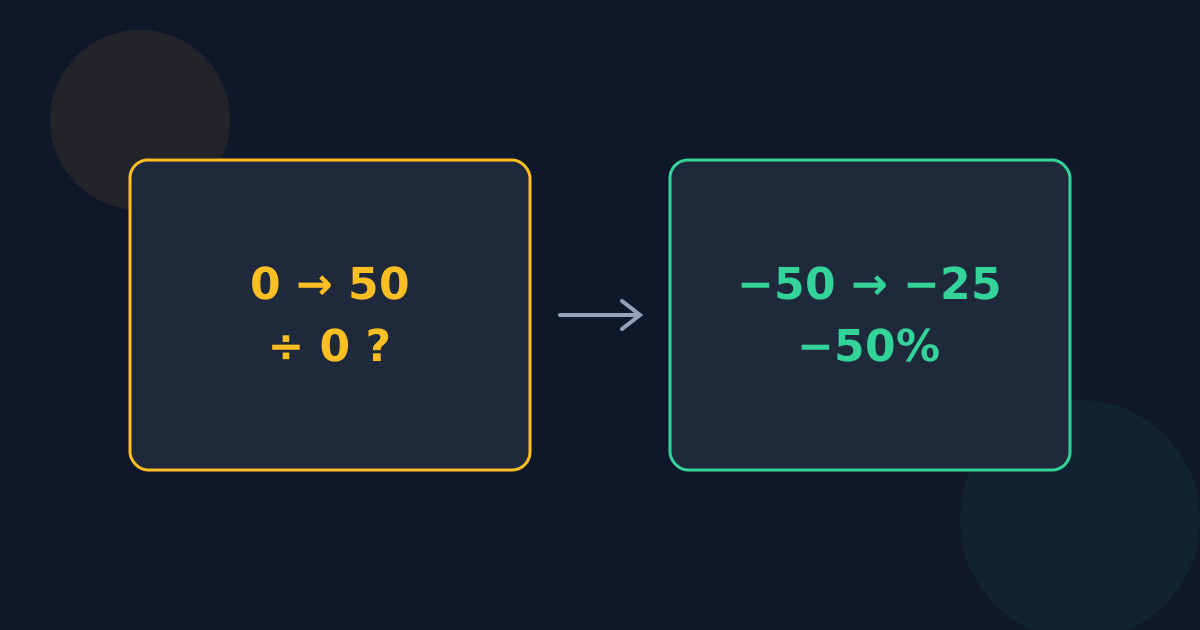
Percentage change is (new − original) ÷ original × 100. With an original value of 0 that means dividing by zero, which has no answer. No percentage — not 100%, not infinity — correctly describes growth from nothing to something.
Spreadsheets show #DIV/0!, and some programs show Infinity or NaN. The Looty Tools Percentage Change Calculator shows “Undefined” and still reports the plain change.
What to report instead
- State the change in plain units: “sales went from 0 to 45”.
- Compare against a different, non-zero starting point if one makes sense, such as an earlier period.
- For counts that are often zero, report the new value and say it is new, rather than forcing a percentage.
What happens with a negative starting value
The formula still produces a number, but dividing by a negative value flips its sign. From −50 to −25 the value went up by 25, yet (−25 − (−50)) ÷ (−50) × 100 = −50%. The minus sign doesn’t mean a decrease here; it comes from the negative starting value.
| From | To | What happened | Standard formula |
|---|---|---|---|
| −50 | −25 | Went up by 25 | −50% |
| −50 | −100 | Went down by 50 | +100% |
| −20 | 20 | Went up by 40 | −200% |
| 20 | −20 | Went down by 40 | −200% |
Two conventions
Some fields change the formula for negative starting values and divide by the absolute value, so the sign always matches the direction; with that convention, −50 to −25 would be +50%. That is a convention rather than the standard formula, so different tools can disagree.
Looty Tools keeps the standard formula, shows the direction separately in words, and adds a note whenever the sign and the direction disagree. If your context uses the absolute-value convention, flip the sign of the percentage whenever the original value is negative.
Change From Zero or Negative FAQ
- What is the percentage change from 0 to any number?
- It is undefined, because the formula divides by the starting value of 0. Report the plain change instead.
- Why does my spreadsheet show #DIV/0! for percentage change?
- The original value in that row is 0 or blank. =IF(A2=0,"n/a",(B2-A2)/A2) handles it.
- Why is going from −50 to −25 shown as −50%?
- The standard formula divides by −50, which flips the sign. The value went up; the percentage is negative only because the starting value is negative.
- Is it wrong to divide by the absolute value?
- It is a different convention that some fields use so the sign matches the direction. Neither is wrong, but say which one you used.
- What about going from a positive number to a negative one?
- That works normally: 20 to −20 is −200%, a decrease larger than the starting value.
Related guides
- Calculate Percentage ChangeThe percentage change formula with worked examples, how to read positive and negative results, a spreadsheet formula, and checks that catch errors.
- Change vs. DifferenceWhen to measure from a starting value and when to compare two values side by side, the percent difference formula, and where percentage points fit.
Open the tool
Jump into Percentage Change Calculator when you are ready to process your files.
